Claude.Computer
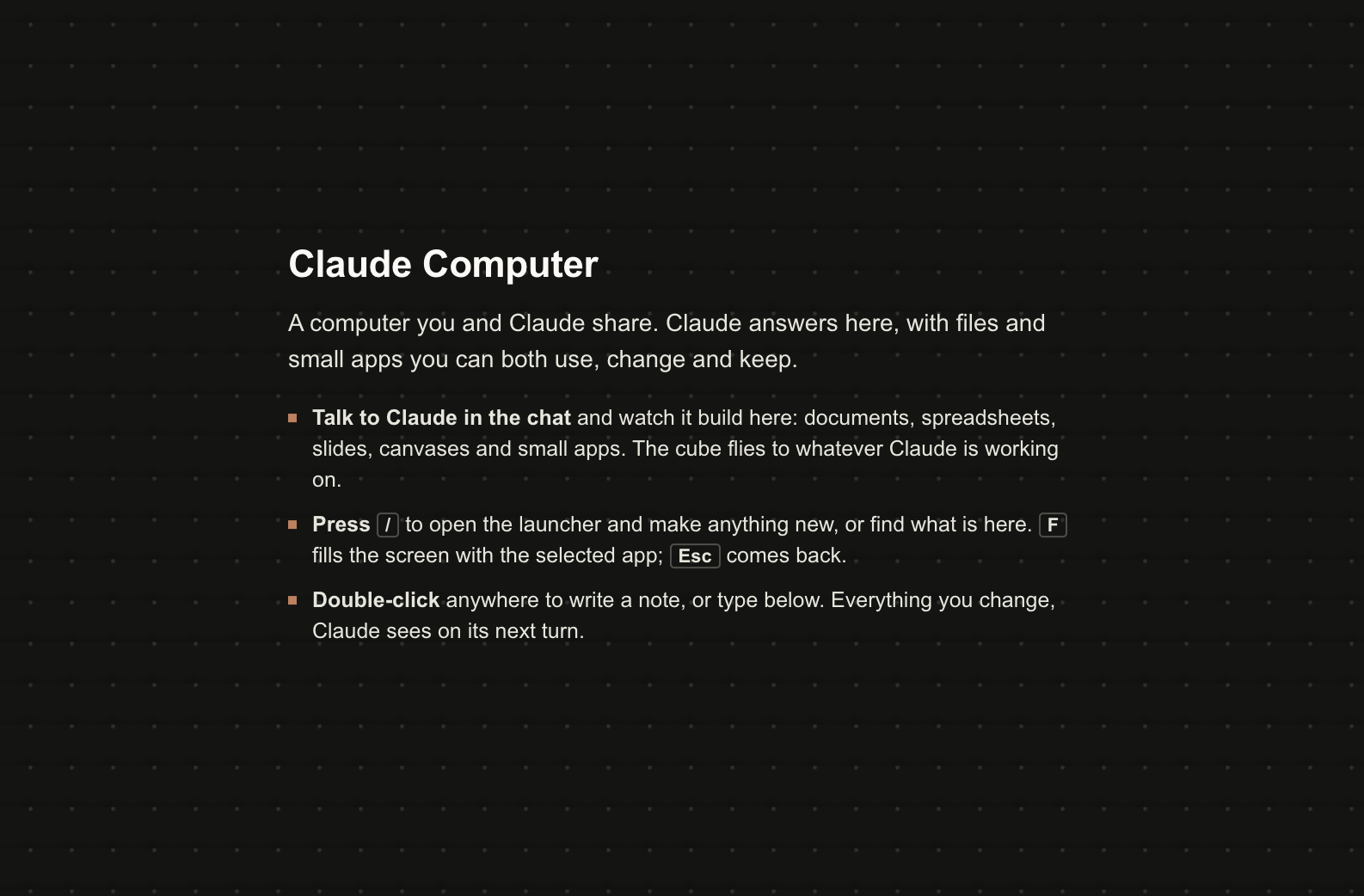
A computer you and Claude share, one per conversation: Claude answers by building files and small apps on a desktop you both use, live.
In early access for subscribers until 8 November 2026. Subscribe to run it now.
Subscribe →What it is
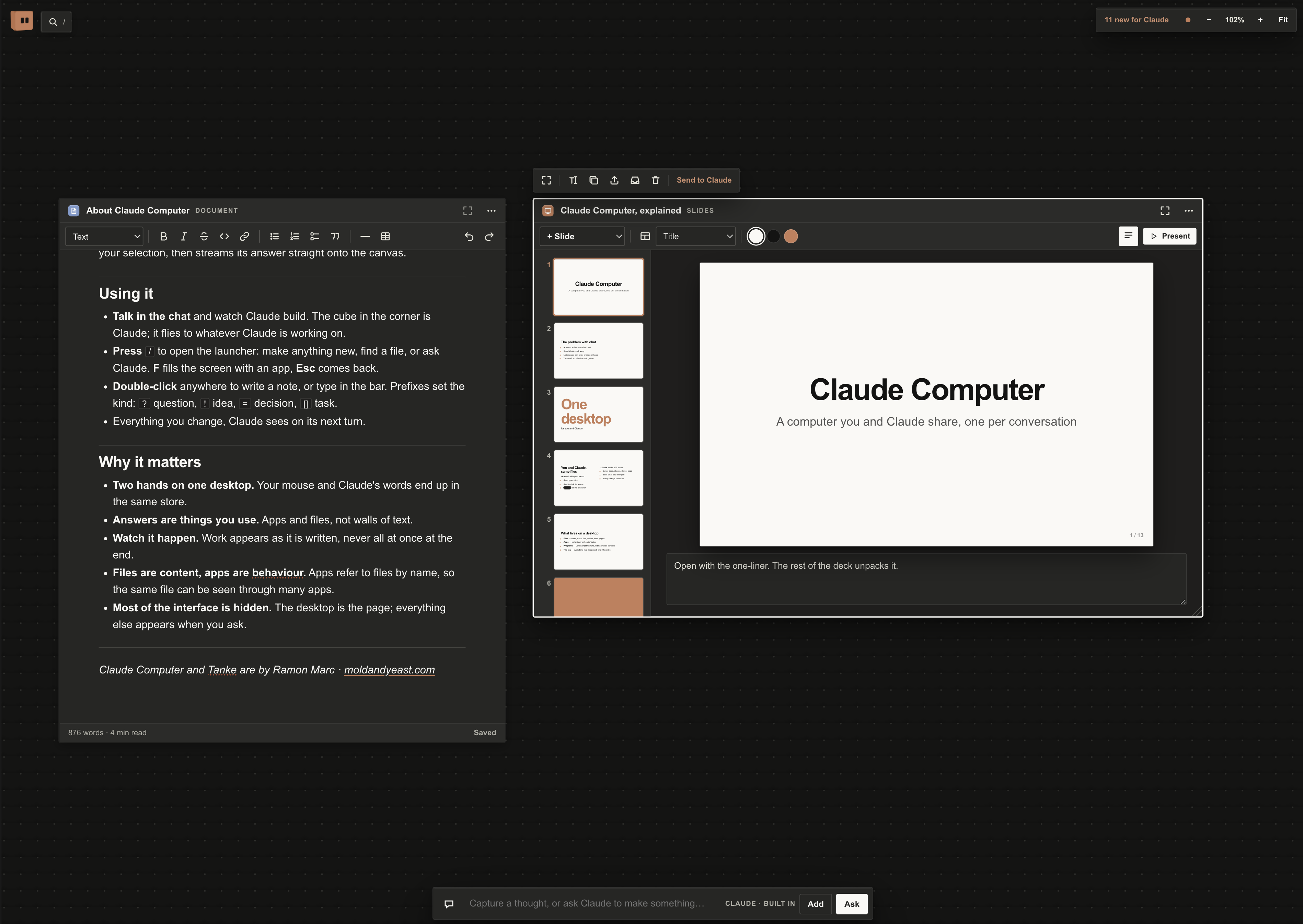
Claude Computer turns a conversation into a place. Instead of a long reply that scrolls away in the chat, Claude answers by making something on a shared, spatial desktop: a document, a spreadsheet, a slide deck, a whiteboard, a quiz, a planner or a small custom app. You work on it with your hands; Claude works on it with words. Both of you see the same files, and either side can pick up where the other left off. The chat shrinks to a sentence; the work lives on the desktop.
The whole thing is one HTML file wrapped in a claude.ai artifact. Give Claude the link in a conversation and it publishes its own copy, so every conversation gets its own computer with its own storage.
What lives on a desktop
- Files hold content: notes, docs, lists, tables, data, links and small web pages. Every file has an author and a history.
- Apps hold behaviour. They are short programs in Tanke, a small JavaScript language for desktops, and they show and change files by name.
- Programs do work. Plain JavaScript that runs when someone presses Run: it loops, waits, computes, reads and writes files, and can ask Claude. Its console is shared, so everyone sees the same output.
- The log records everything that happened and who did it, and every change Claude makes can be undone from it.
How it works
1. Claude writes in plain text, the page does the rest
Claude writes onto the desktop in a simple block format. A line like @@doc Name or @@slides Name opens a block; the lines below are its content. The page reads that text while it is still being written: each block shows up as a draft where it will land, fills in as Claude types, and becomes a real file the moment it closes. Claude never writes files, events or cursors directly, so nothing it writes can break the desktop.
2. Two calls a turn
Claude in the chat works in turns, and each turn is just two calls:
- Read the view. The page keeps one document current: what you changed since Claude's last turn, those files in full, an index of every file, what you are looking at and selecting, how Claude's last turn went, and the id for the next turn.
- Write the turn. Claude writes one document with its text in the block format. The page plays it in as Claude working: a marker where it is, drafts where things land, its sentences in a bubble. It logs every change so you can undo it, and refreshes the view.
3. Built-in apps: content, not code
Most of what people make together comes built in, and Claude only writes the content in a few plain lines:
- Documents are a real word processor with a toolbar, outline and markdown shortcuts.
- Spreadsheets have a formula bar, ranges, sort, number formats and live formulas.
- Presentations have a slide rail, layouts, themes, speaker notes and Present mode.
- Canvases are a whiteboard of boxes, pills, decisions and arrows, laid out automatically.
- Plus quiz, poll, form, chart, board, timeline, cards, site and records (a small searchable database).
Every built-in app saves what you do in it (answers, picks, values, moves), and when Claude rewrites one, what you did stays.
4. Answers you can click
Apps can hand the turn back to Claude. A Send to Claude button, or a Tanke app's c.claude() action, sends what you picked or filled in as your next message, so a click can be your answer and nobody has to type.
5. Three speeds of intelligence
- The app's own logic for instant interaction.
- A program's
ask()for small judgments mid-run. - A full Claude turn for anything that needs memory, tools, the web or a new app.
There is also a canvas agent: the Claude built into the page, behind the bar at the bottom. Ask it from the desktop and it reads the book, the files and your selection, then streams its answer straight onto the canvas.
Using it
- Talk in the chat and watch Claude build. The cube in the corner is Claude; it flies to whatever Claude is working on.
- Press
/to open the launcher: make anything new, find a file, or ask Claude. F fills the screen with an app, Esc comes back. - Double-click anywhere to write a note, or type in the bar. Prefixes set the kind:
?question,!idea,=decision,[]task. - Everything you change, Claude sees on its next turn.
Why it matters
- Two hands on one desktop. Your mouse and Claude's words end up in the same store.
- Answers are things you use. Apps and files, not walls of text.
- Watch it happen. Work appears as it is written, never all at once at the end.
- Files are content, apps are behaviour. Apps refer to files by name, so the same file can be seen through many apps.
- Most of the interface is hidden. The desktop is the page; everything else appears when you ask.