Shop Next
“A design canvas where the design is the running product: screens, people, data, services and tests on one stage, shaped with Claude and published as an app people actually use.
In early access for subscribers until 8 November 2026. Subscribe to run it now.
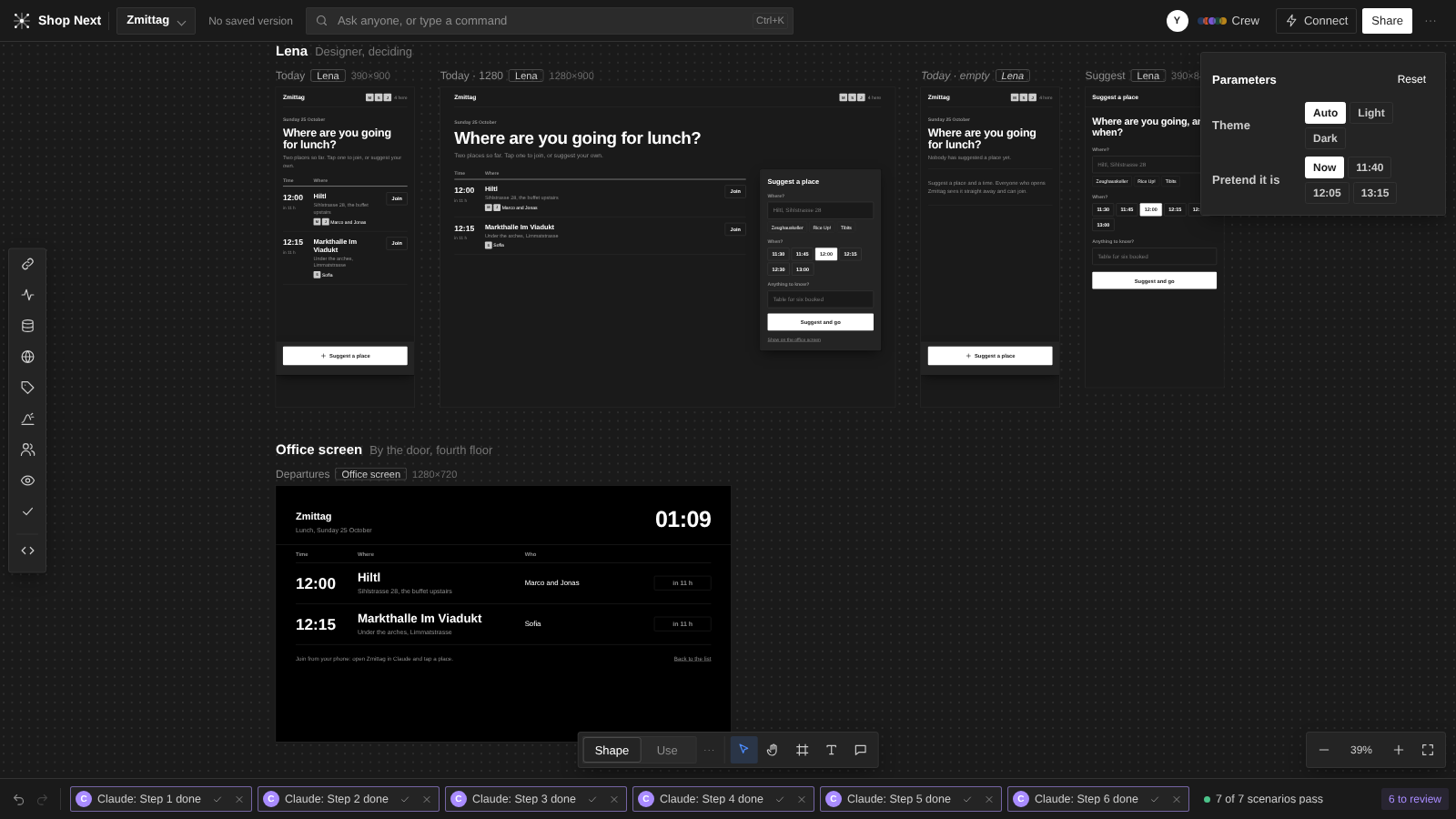
Subscribe →Most design tools draw pictures of an app and hand them to someone who builds the real thing. Shop Next skips that hand-off. Every board on the canvas is the product itself, running: buttons work, records save, timers tick and services answer with real or sampled data. What you see on the stage is what people will get.
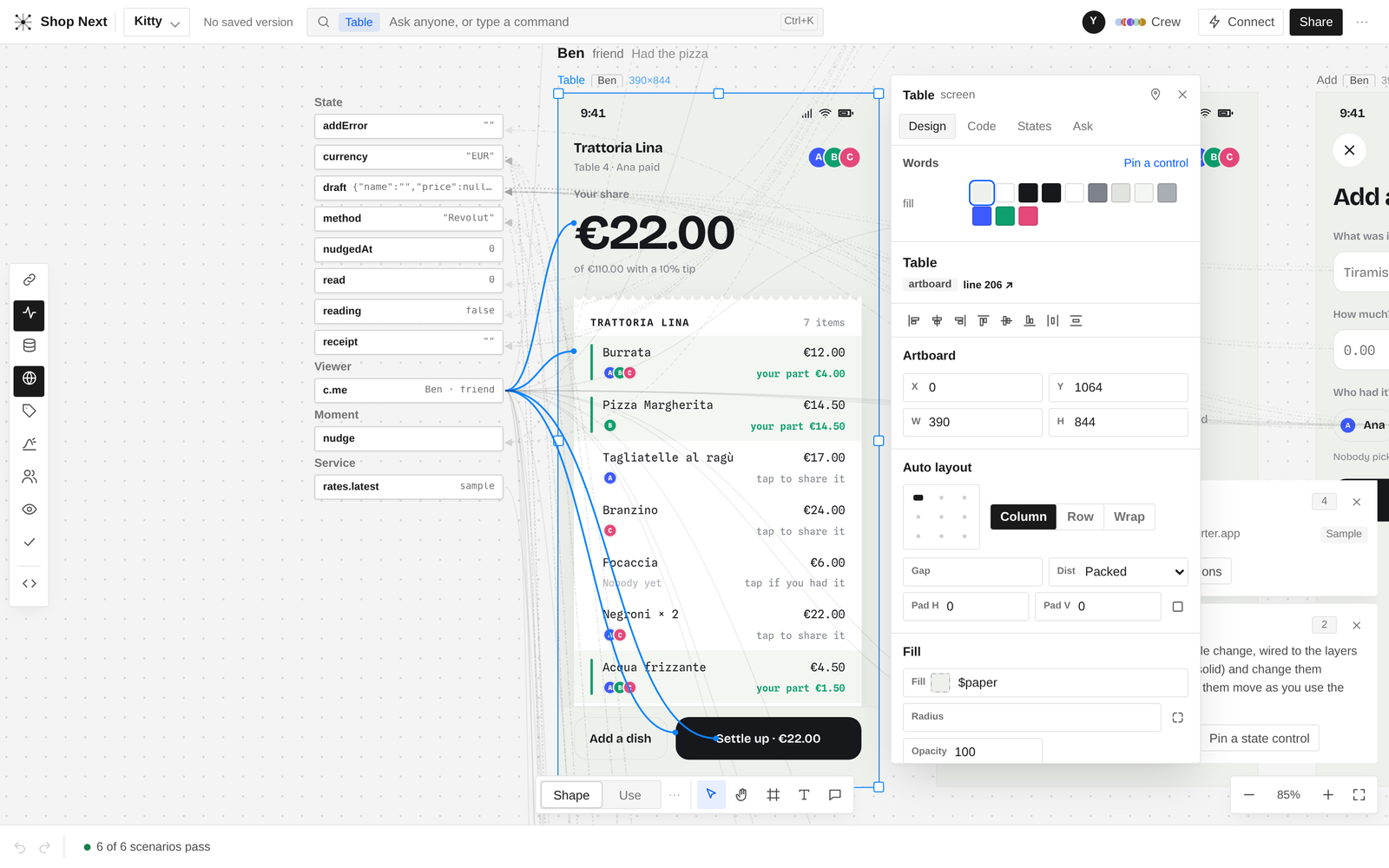
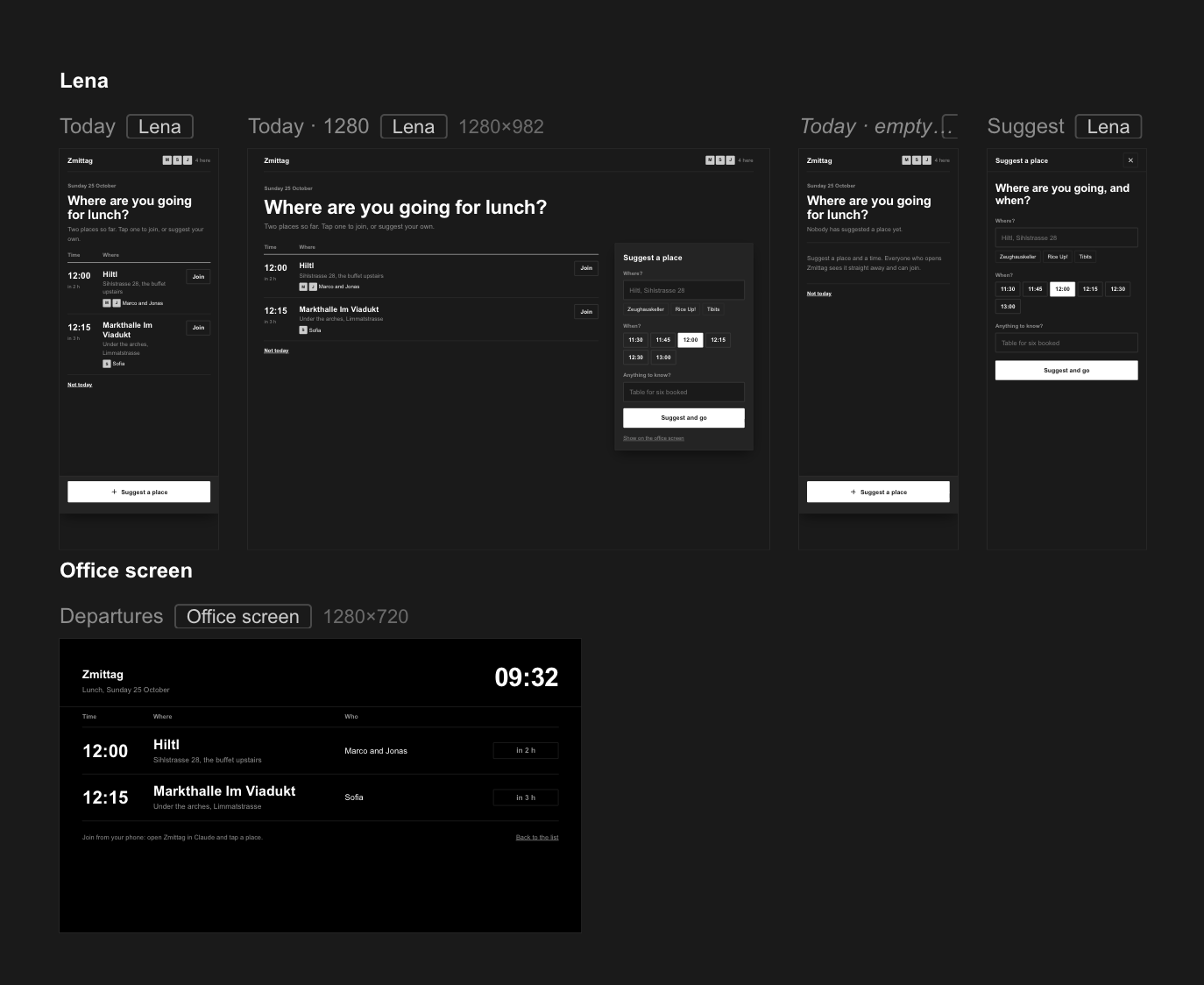
The stage lays the product out as a matrix. Each row is a person (Ana on her phone, Ben on his laptop, the office screen by the door) and each column is a screen in a given state, so you can see the whole product at once and watch one person's action show up on everyone else's screen. You can shape it by hand, by talking to Claude, or both. Claude's changes arrive as review turns you keep or drop, so nothing lands without your say.
When the product works, you publish it. The published page is a real multi-person app on claude.ai: it knows who is viewing, keeps shared records, and carries its studio with it, so you can keep designing it after it ships.
It is one HTML file with no dependencies. Fonts are embedded, nothing is fetched from the network, and the file can be shared, opened and built on as is.
What you can do with it
- Design the running product. Lay screens out per person and per state on a single stage, and switch between Shape (edit) and Use (try it) with P.
- Work with Claude. Ask from the bar (⌘K) or the crew panel. Each change comes back as a turn in the review strip, with a diff of what changed in the program, to keep or drop.
- Read the product through lenses. Flow (1), State (2), Data (3), Services (4), Language (5), Motion (6), People (7), Access (8) and Test (9), plus What if (0) and Source (⌘).
- Tune anything from the card. Select a layer to get its parameters, styles and wires to the state and data it reads.
- Connect services. Plug in claude.ai connectors, any HTTP API or a smart contract. Every connection keeps samples, so the canvas and the tests run without it, and you can switch one to Live to try the real thing.
- Test with scenarios. Write what people do and what they should see, then run them across every screen.
- Anticipate flows nobody has designed yet. The What if lens reads the product's map and asks the questions you haven't: two people suggesting the same place, someone changing the time, someone sitting today out. Claude drafts the flow, and you review it like any other turn.
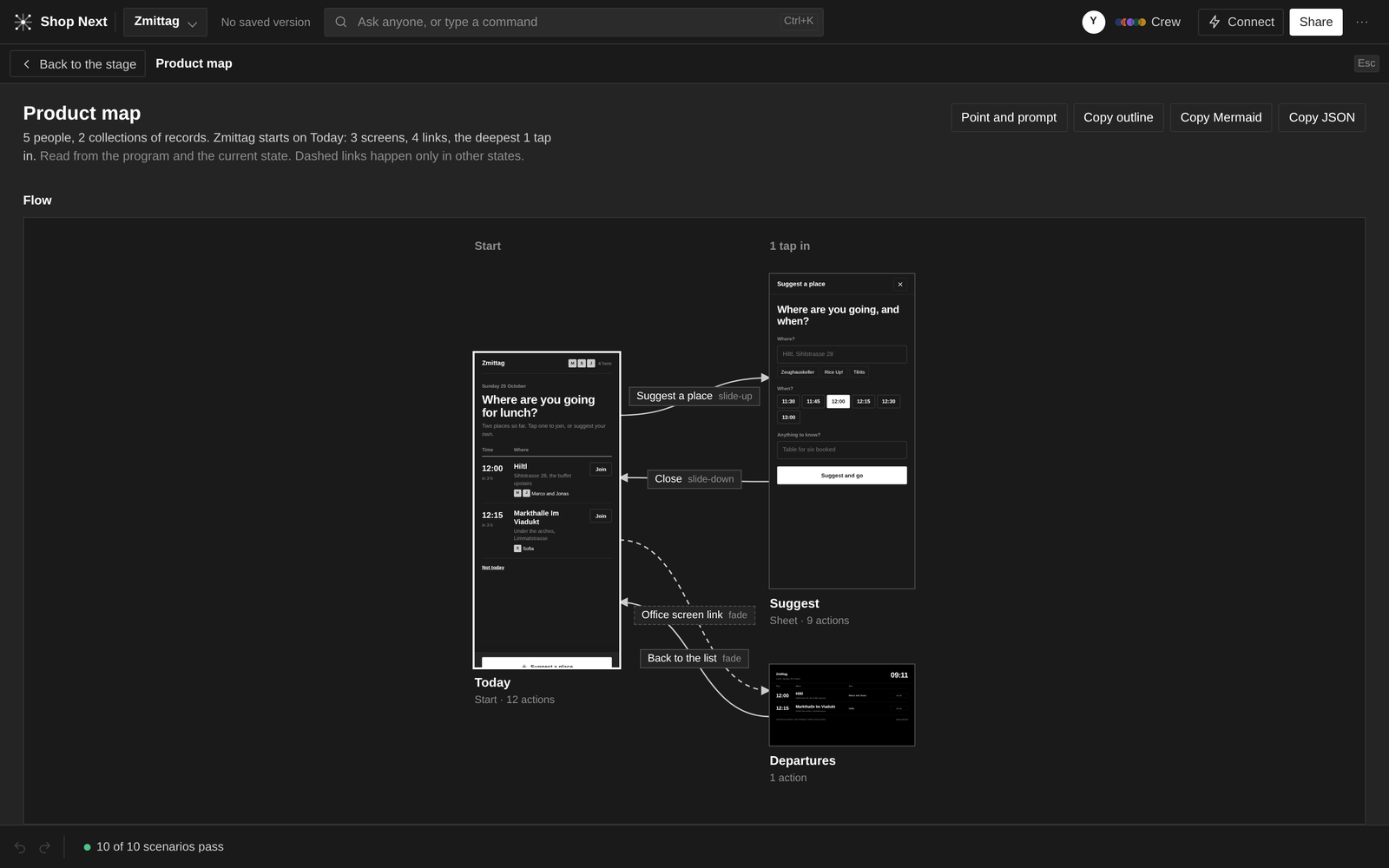
- See the product map. A diagram of every screen, record and rule, exportable as JSON, Markdown or Mermaid.
- Publish a living product. The published app keeps shared records, knows its viewers and can republish itself as you keep designing.
- Let other agents drive it.
window.shop(begin, patch, exec, end, accept, map, source) and an inbox on the artifact let another Claude session propose changes that show up as review turns in your open tab. - Light or dark. A Swiss interface in Arial, with 1px hairlines, 2.5px corners and soft shadows for elevation, in both modes.