Twin Motion IDE
Script films and presentations over a factory twin: shots, camera paths, transitions and overlays on an editable timeline, rendered to WebM.
In early access for subscribers until 22 November 2026. Subscribe to run it now.
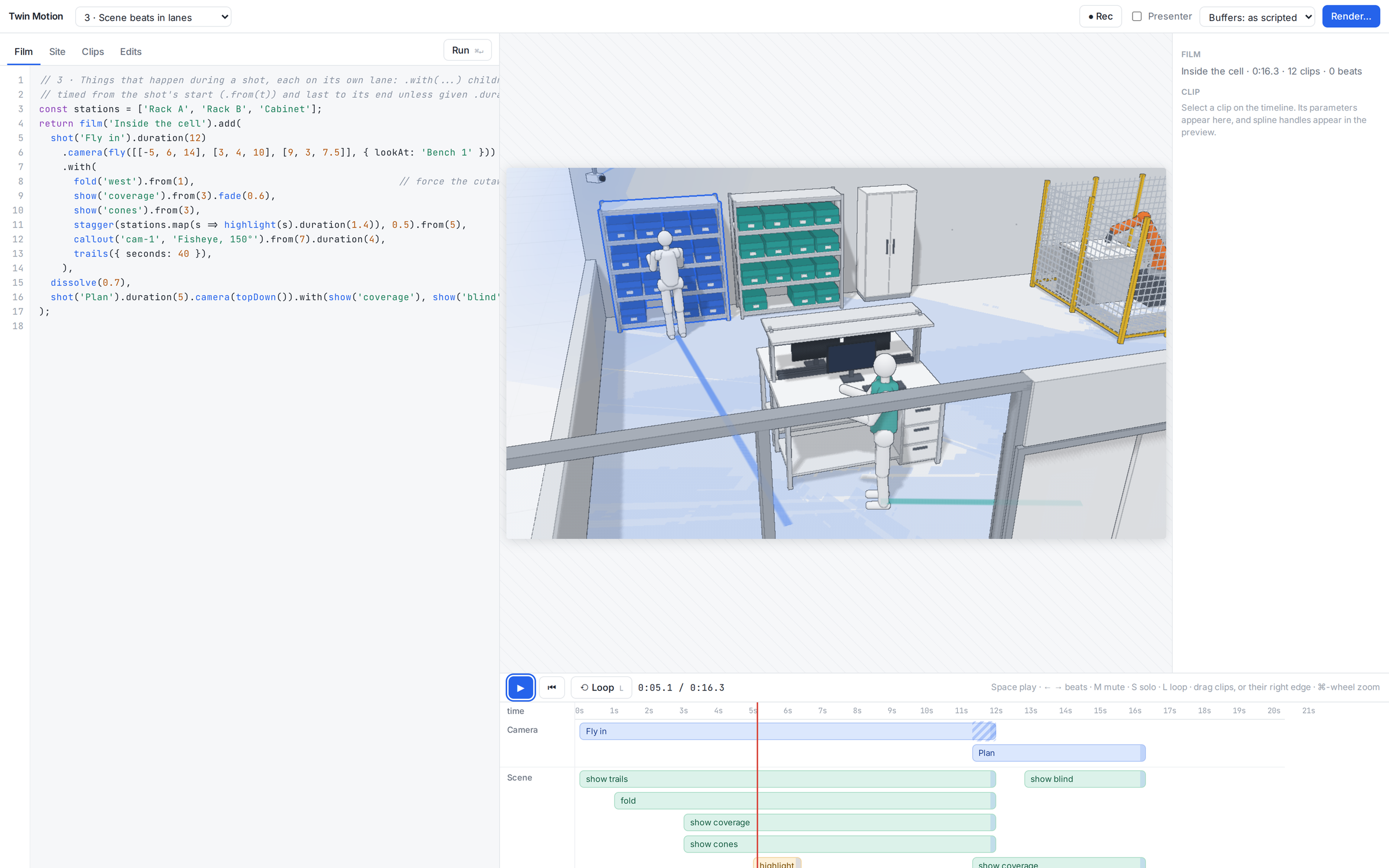
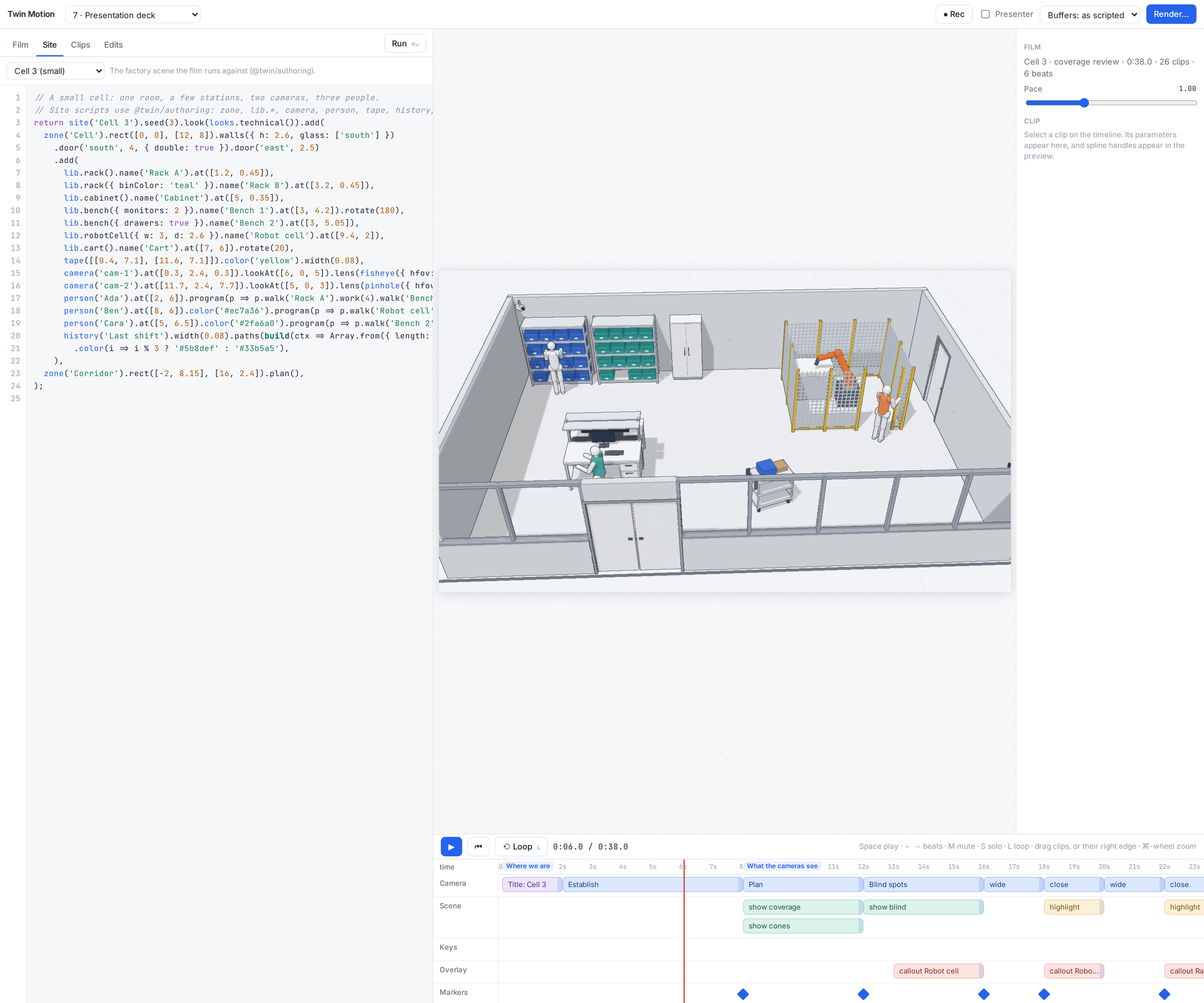
Subscribe →An editor for films and presentations about a factory twin. A film is a script of shots, transitions and overlays; it runs against a site written in the same authoring language as Lab 104 · Factory Twin, and plays on a timeline you can edit by hand. Lab 104 is where you build and run the plant; Twin Motion is where you show it to someone.
- Shots as code:
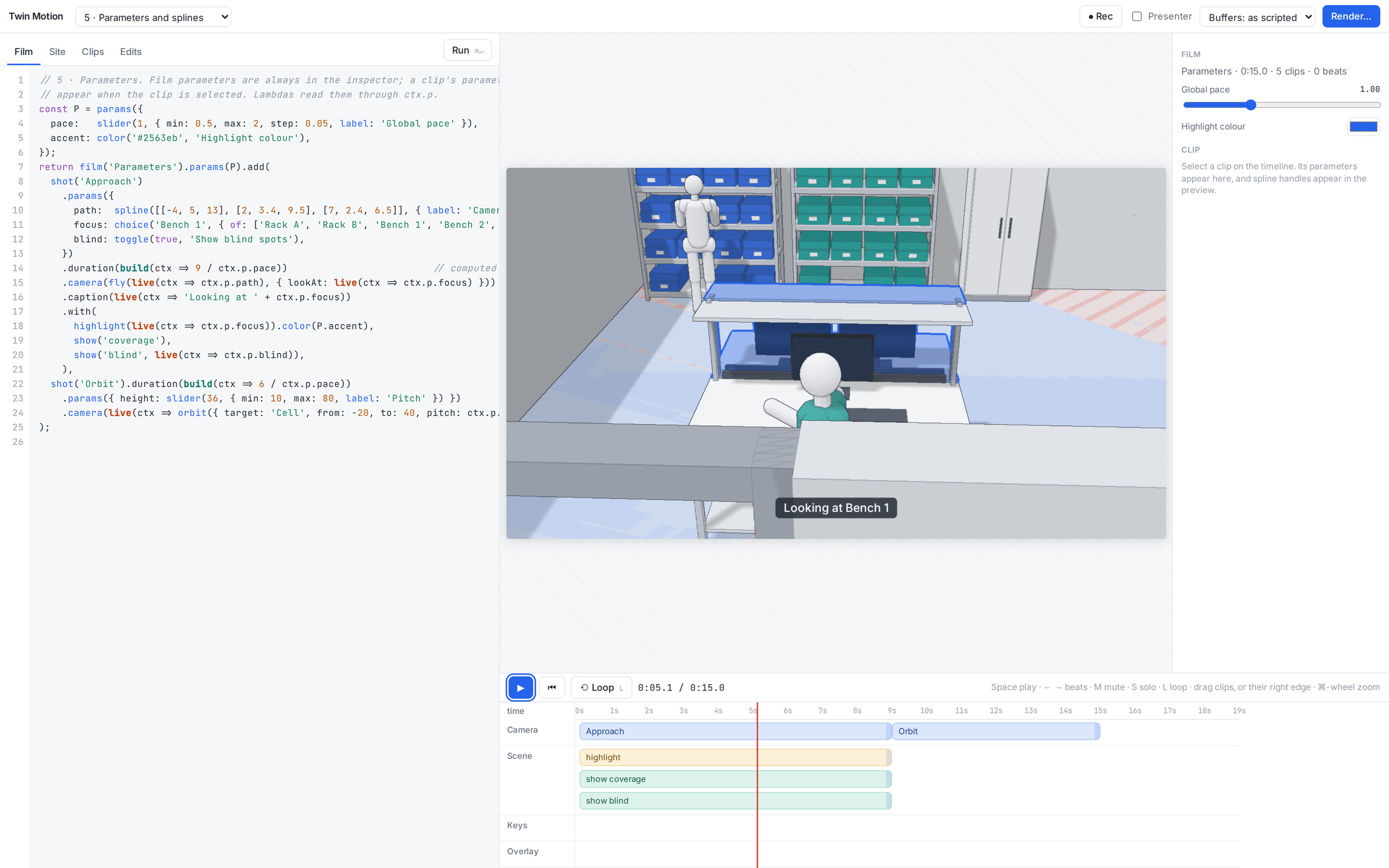
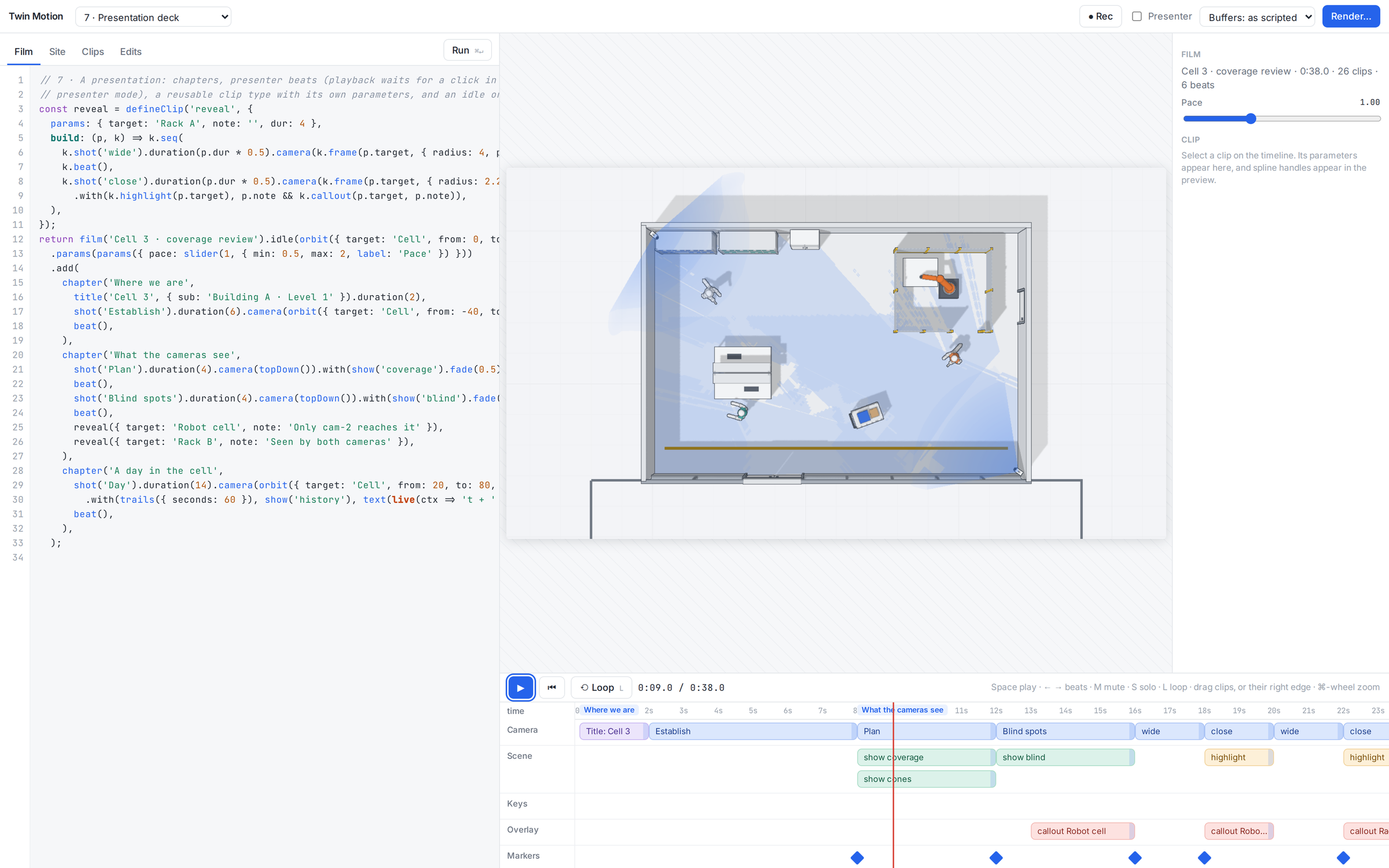
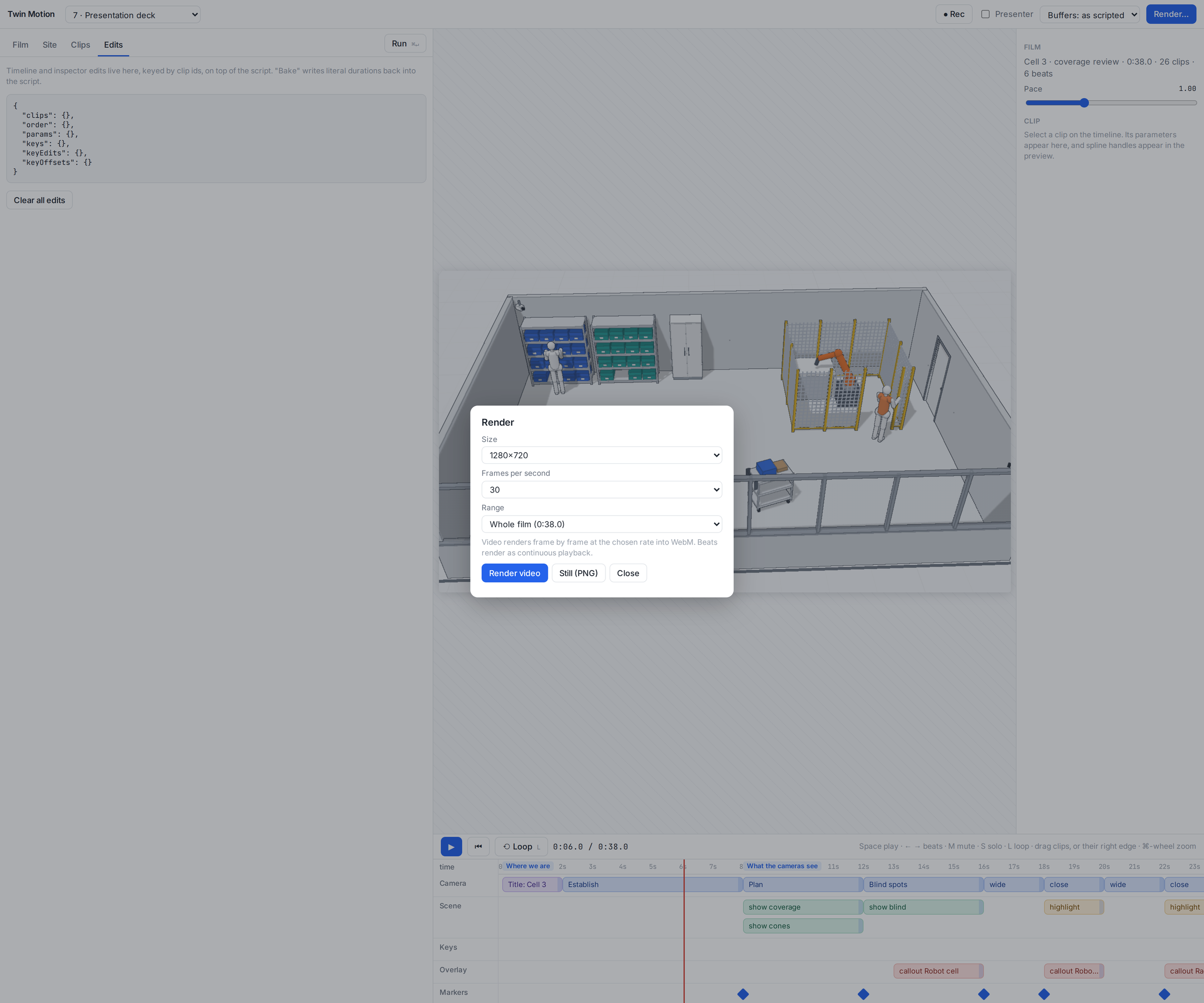
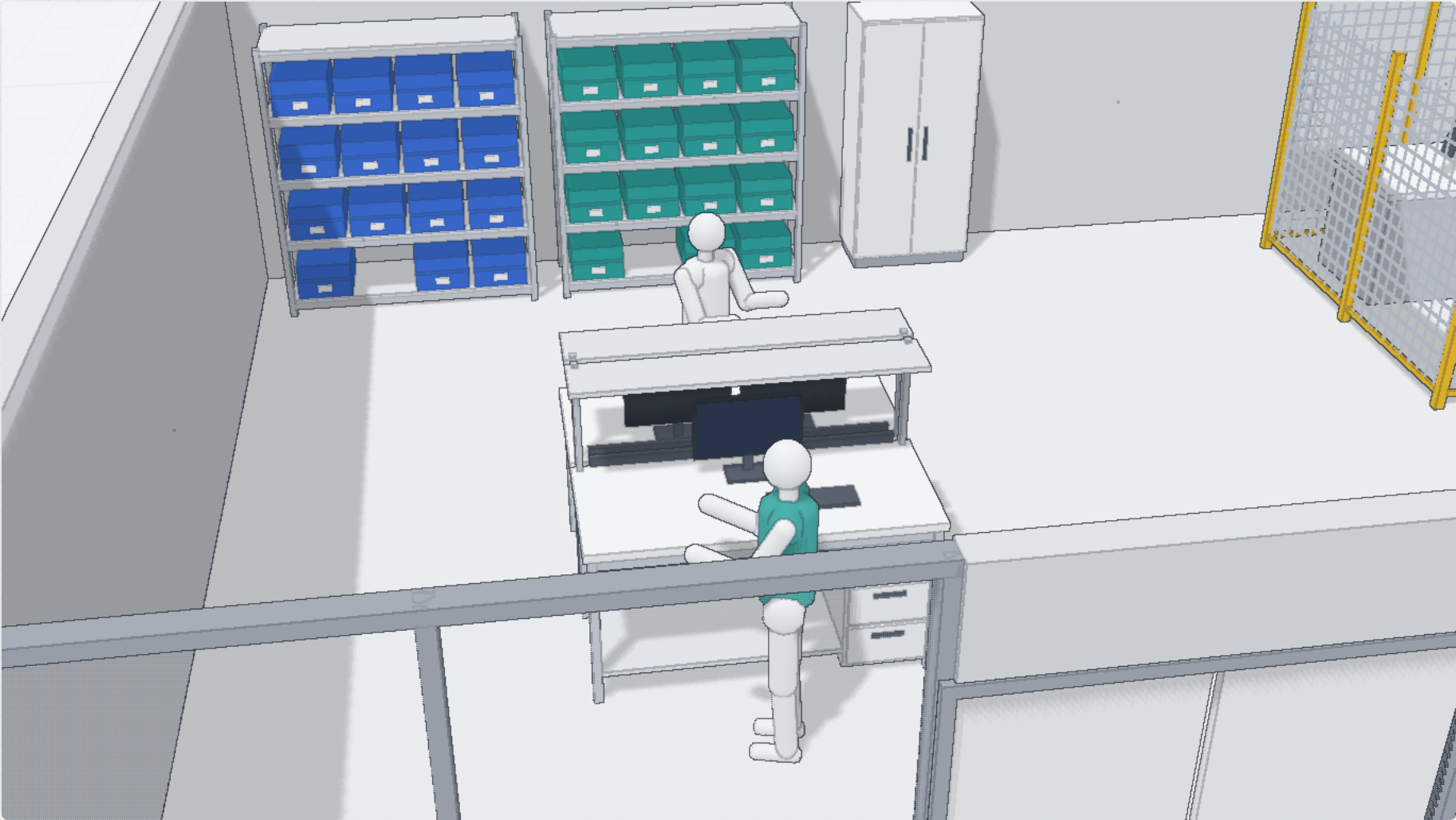
film(),shot(),title()anddissolve(), with camera paths such as orbit, dolly, fly, follow, top-down or through a real camera. Things that happen during a shot (fold a wall, show coverage, highlight a rack, a callout, trails) sit on their own lanes. - A timeline you can drag: camera, scene, overlay, keys and markers lanes. Drag clips or their right edge, mute, solo and loop; edits are stored on top of the script, and Bake writes the durations back into it.
- Parameters and splines: sliders drive clips, spline paths get handles in the preview, any camera field can take keyframes, and ● Rec writes a key at the playhead.
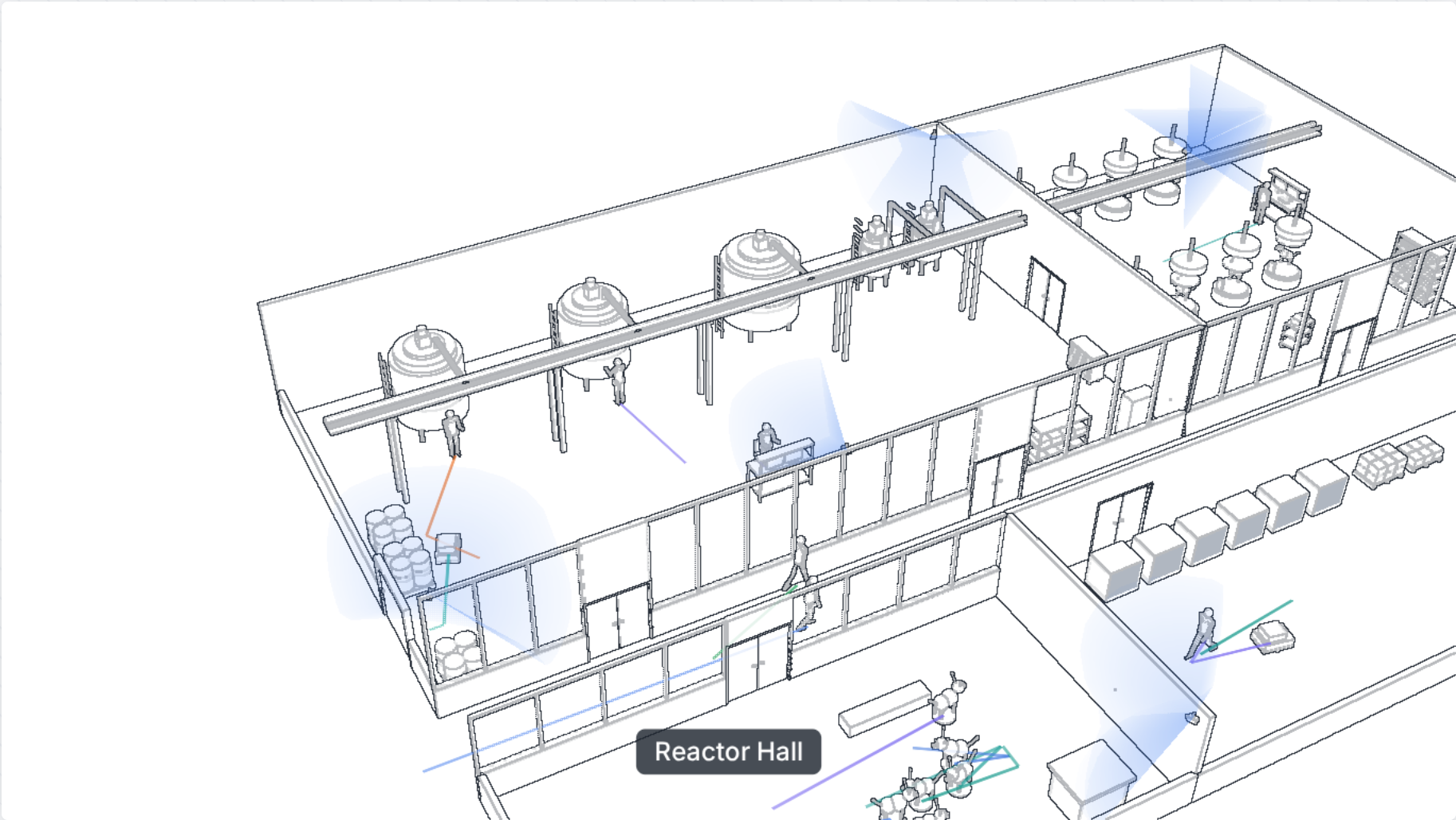
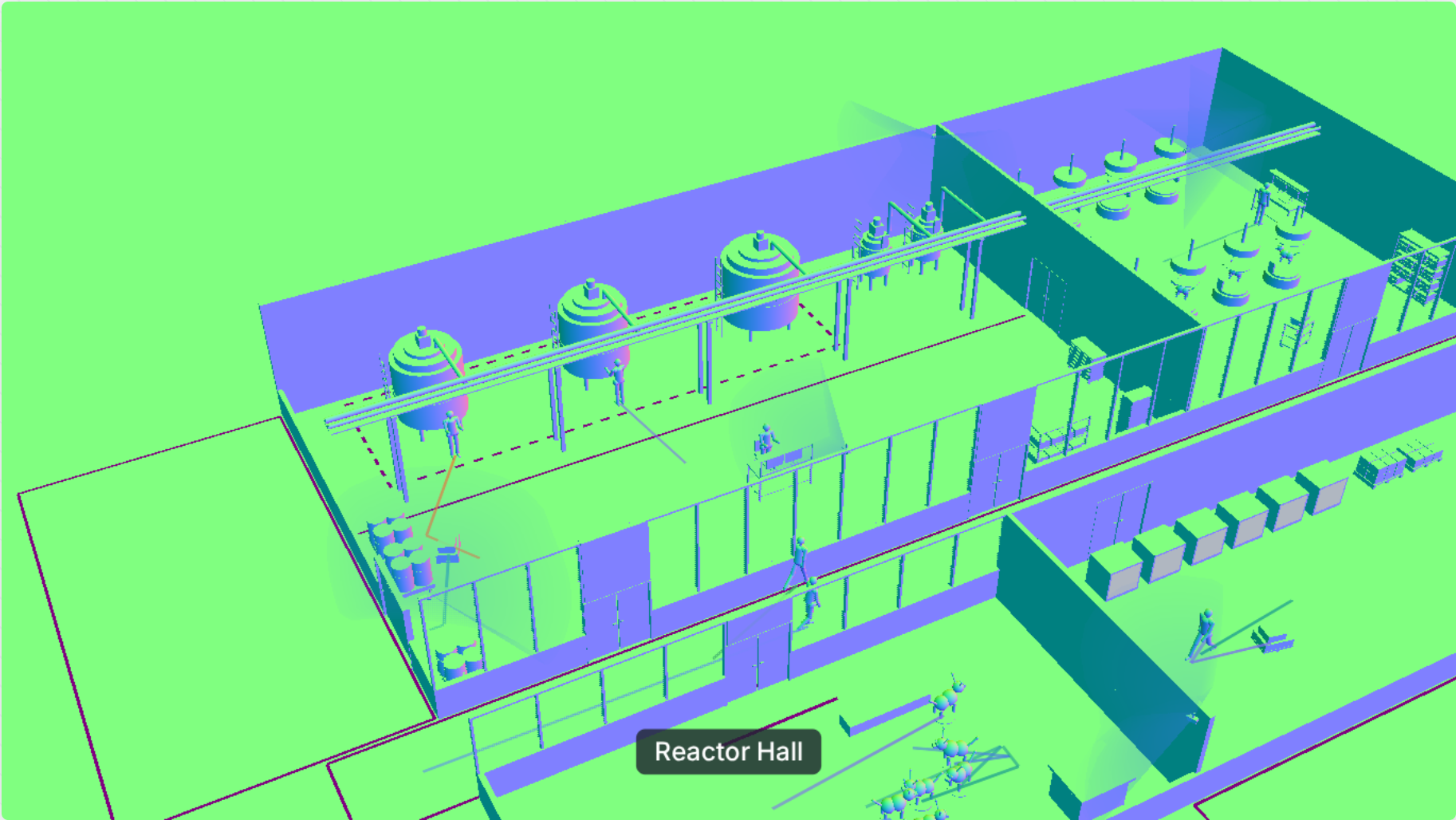
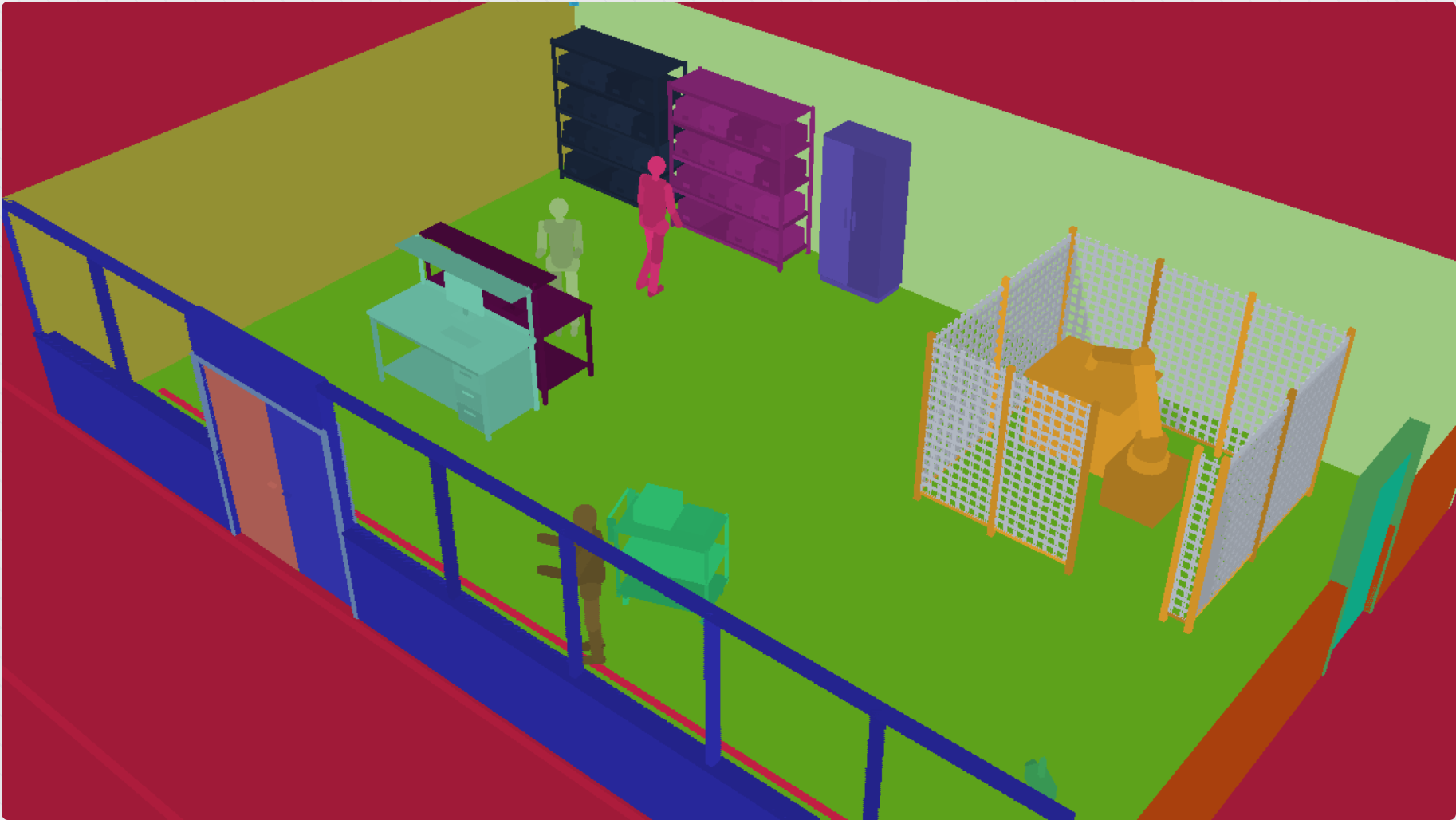
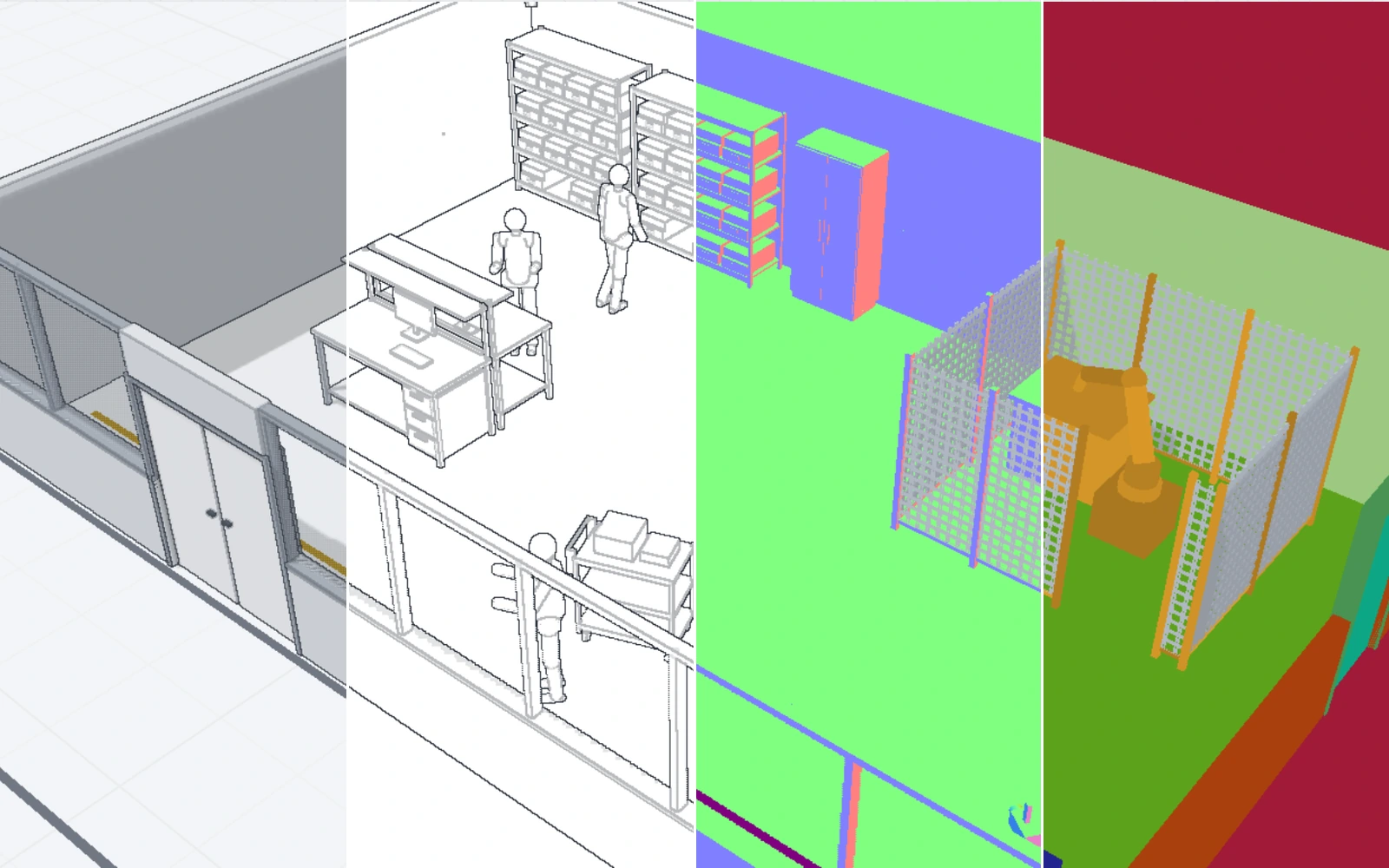
- Look inside the renderer: show the final image or one of its buffers (colour, ids, normals, depth or lines), on its own or as a shot in the film.
- Present or render: presenter mode pauses at beats, and Render writes a WebM video or a PNG still at the size and frame rate you pick.
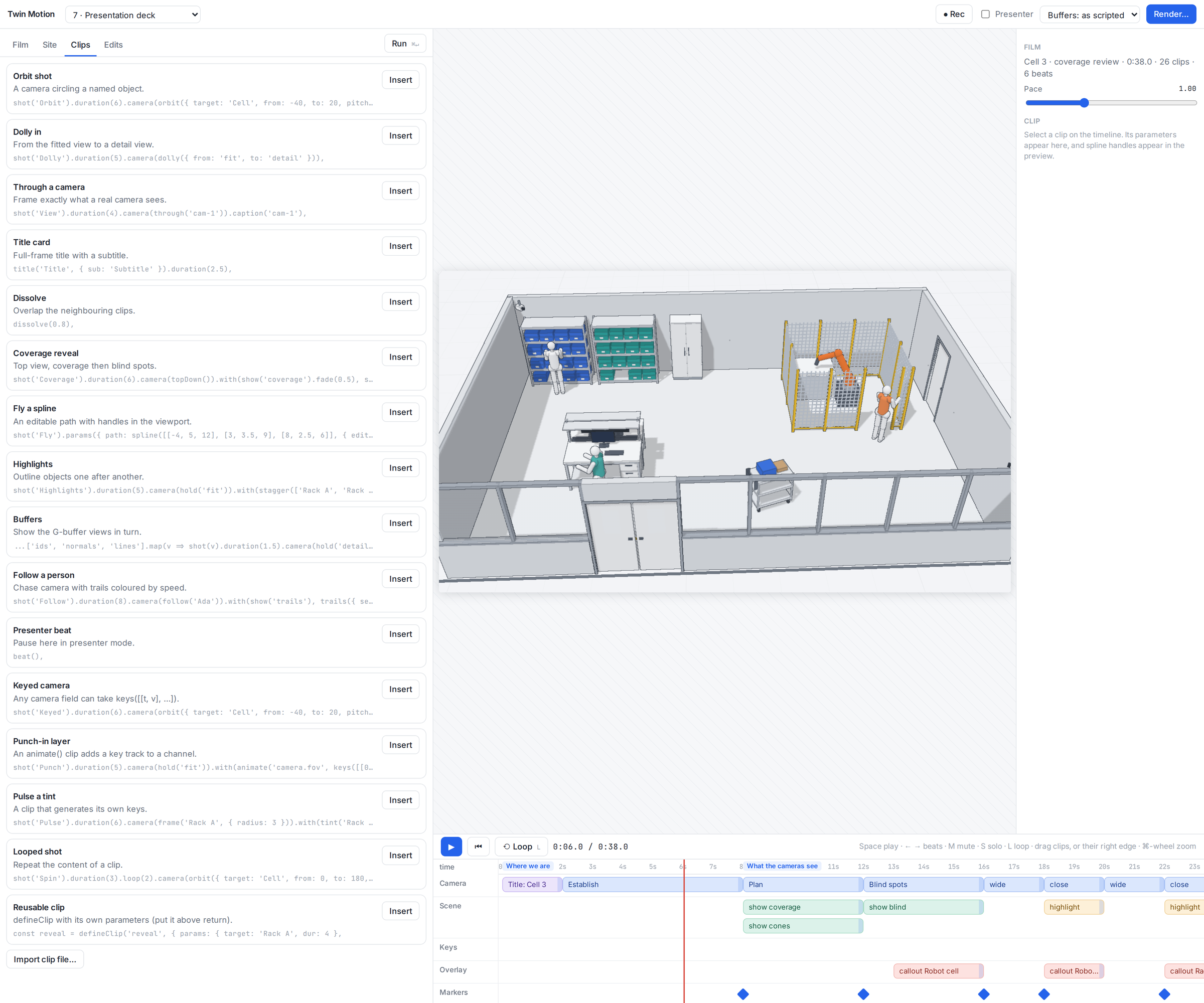
- A clip library: orbit shots, dolly-ins, title cards, coverage reveals, buffer sequences, follow cams and more, ready to insert.
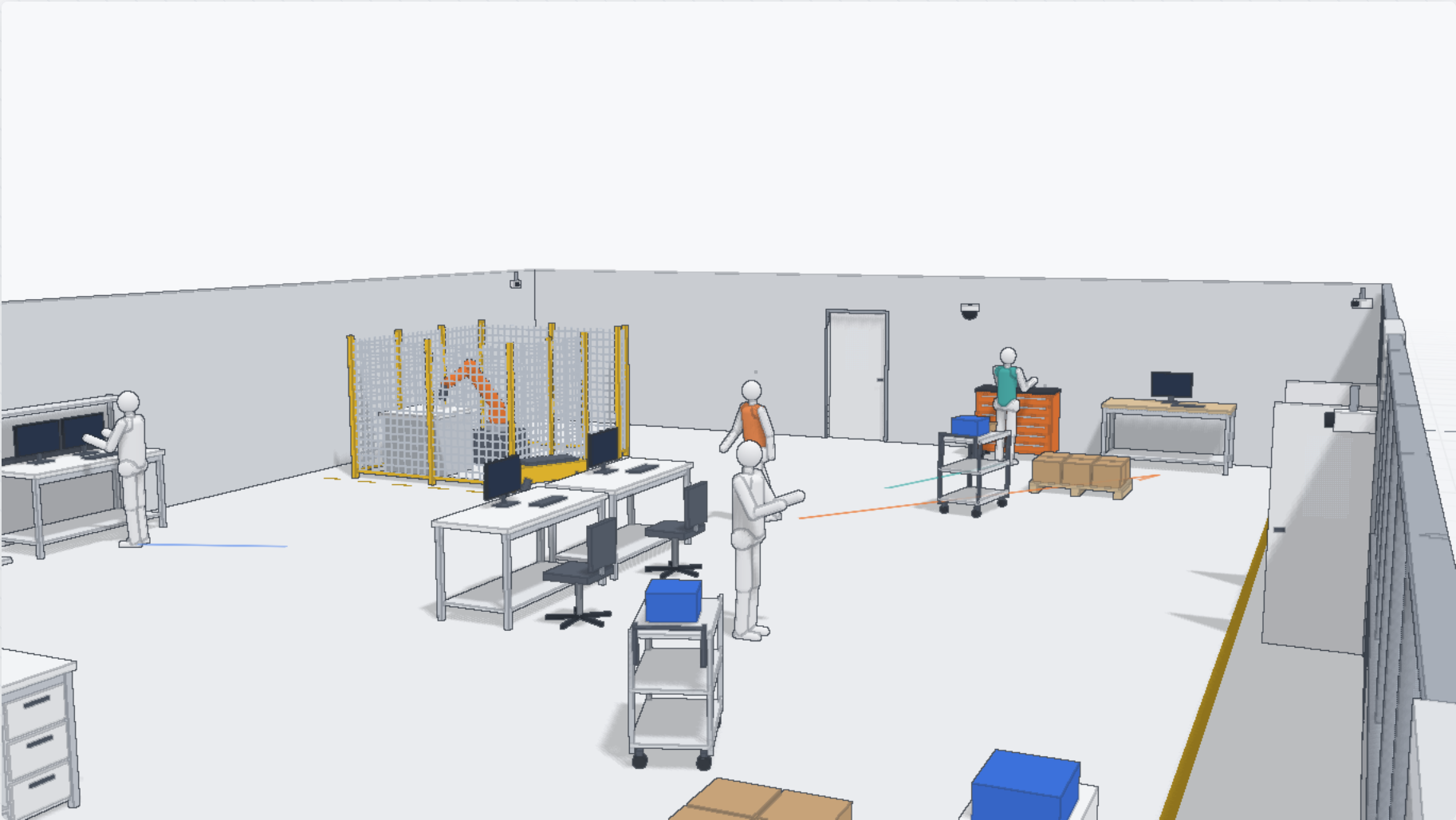
Ten examples come with it, from One orbit and Cuts, dissolve, titles to a generated camera tour, a presentation deck, a Lab 104 review and a Plant 7 tour, over three sites: Cell 3, Lab 104 and Plant 7. Built with three.js and React.