Twin Render Playground
The ink renderer behind the factory twins on its own: build a room from the asset library and tune looks, buffers, cameras, coverage, paths and callouts live.
In early access for subscribers until 22 November 2026. Subscribe to run it now.
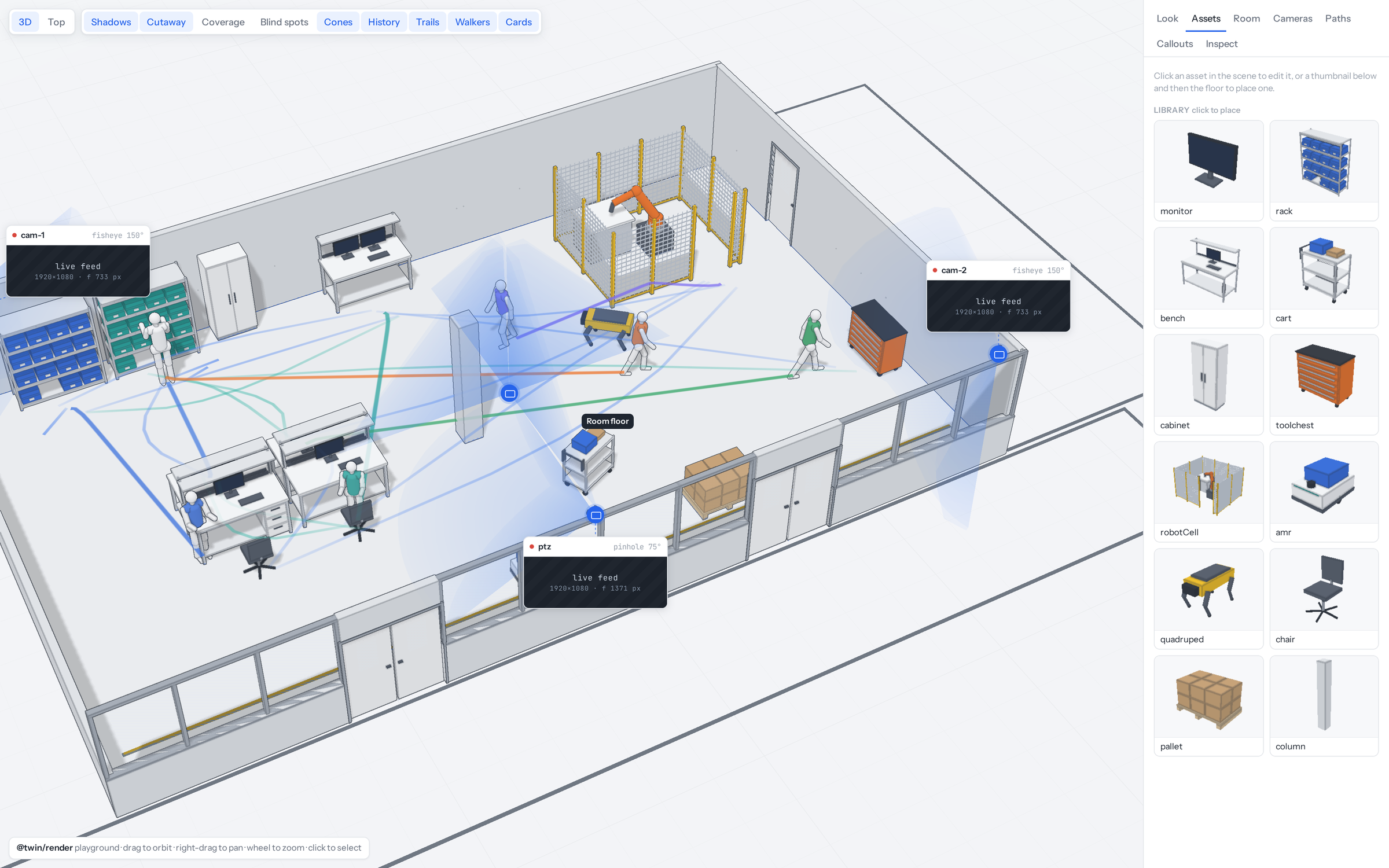
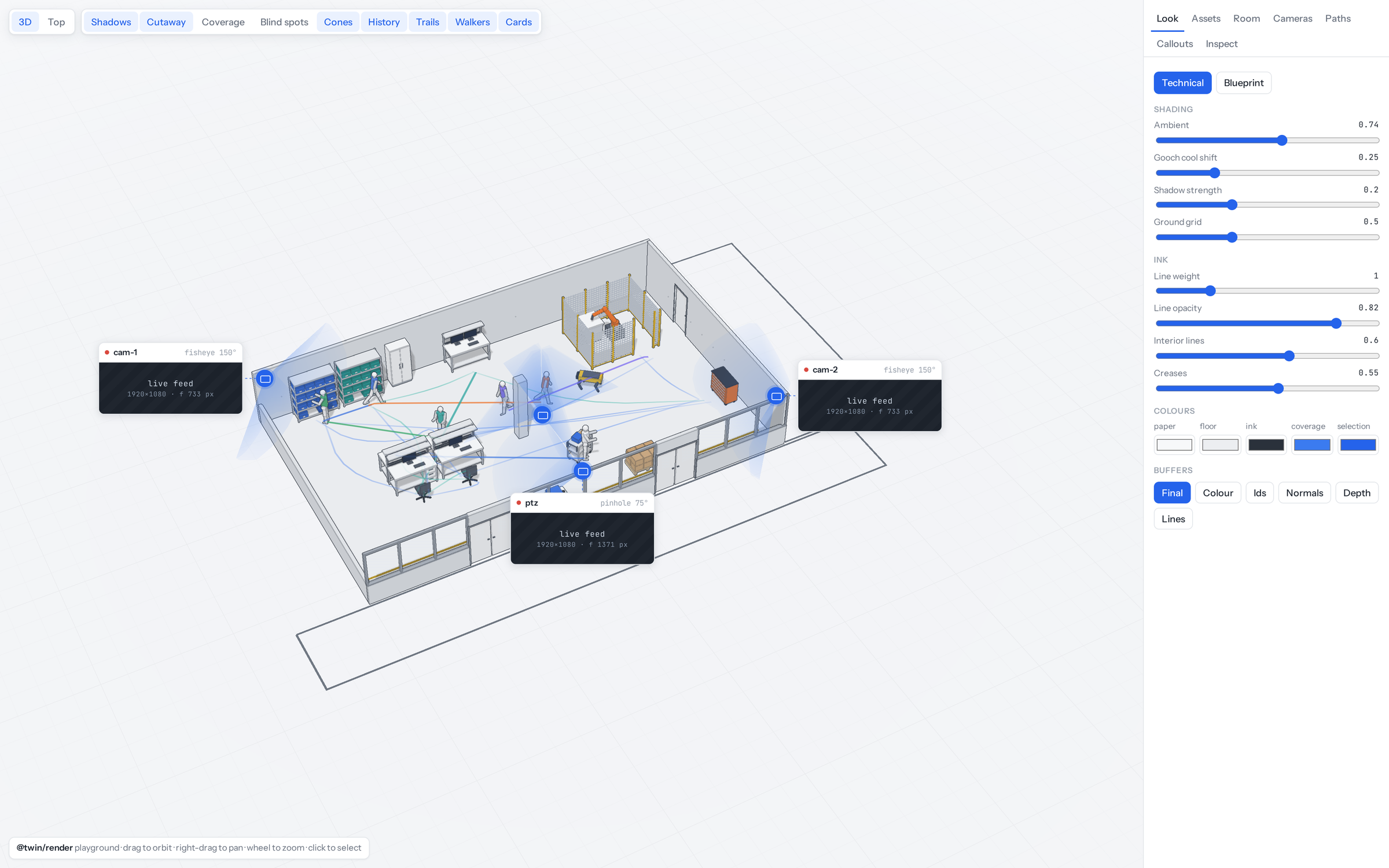
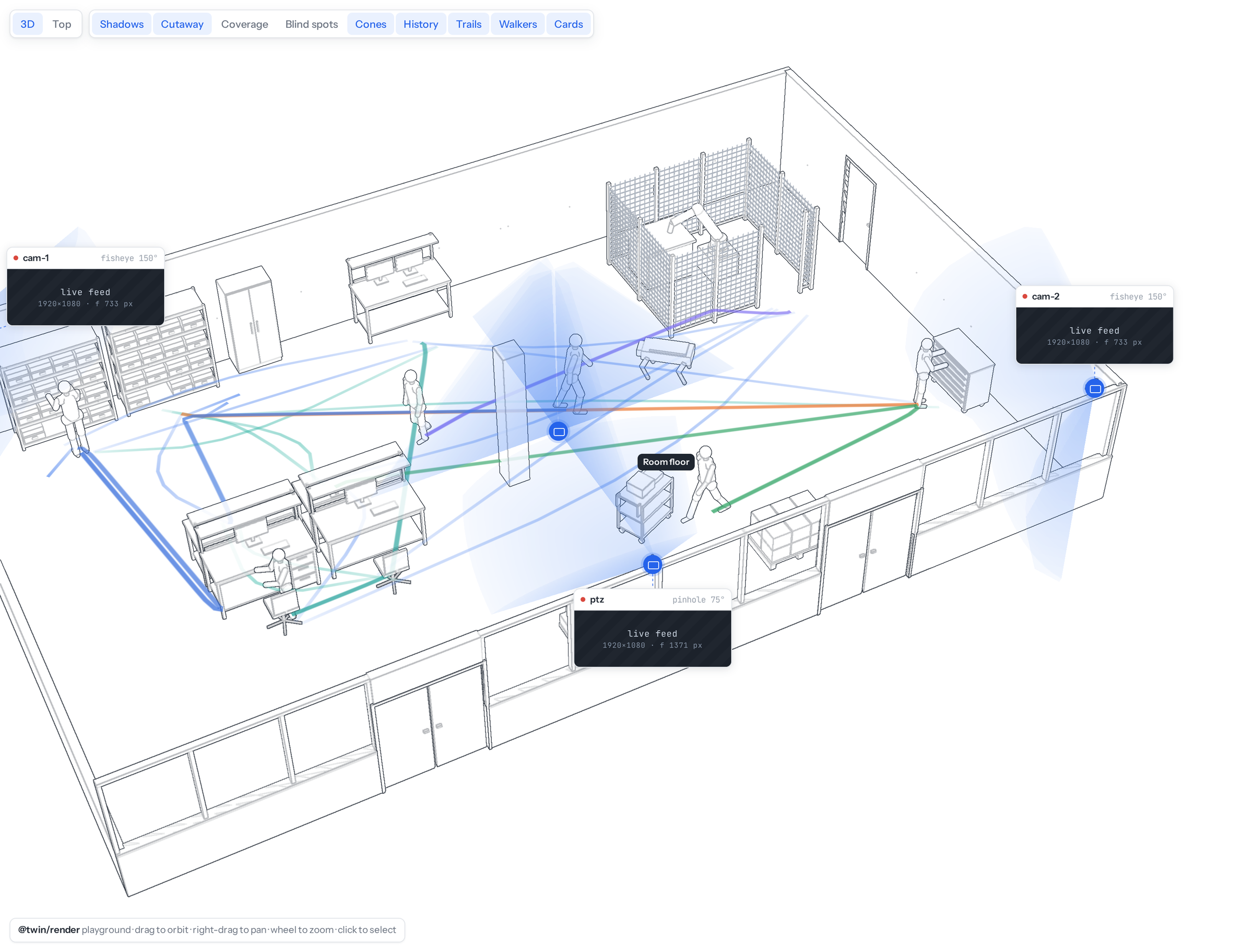
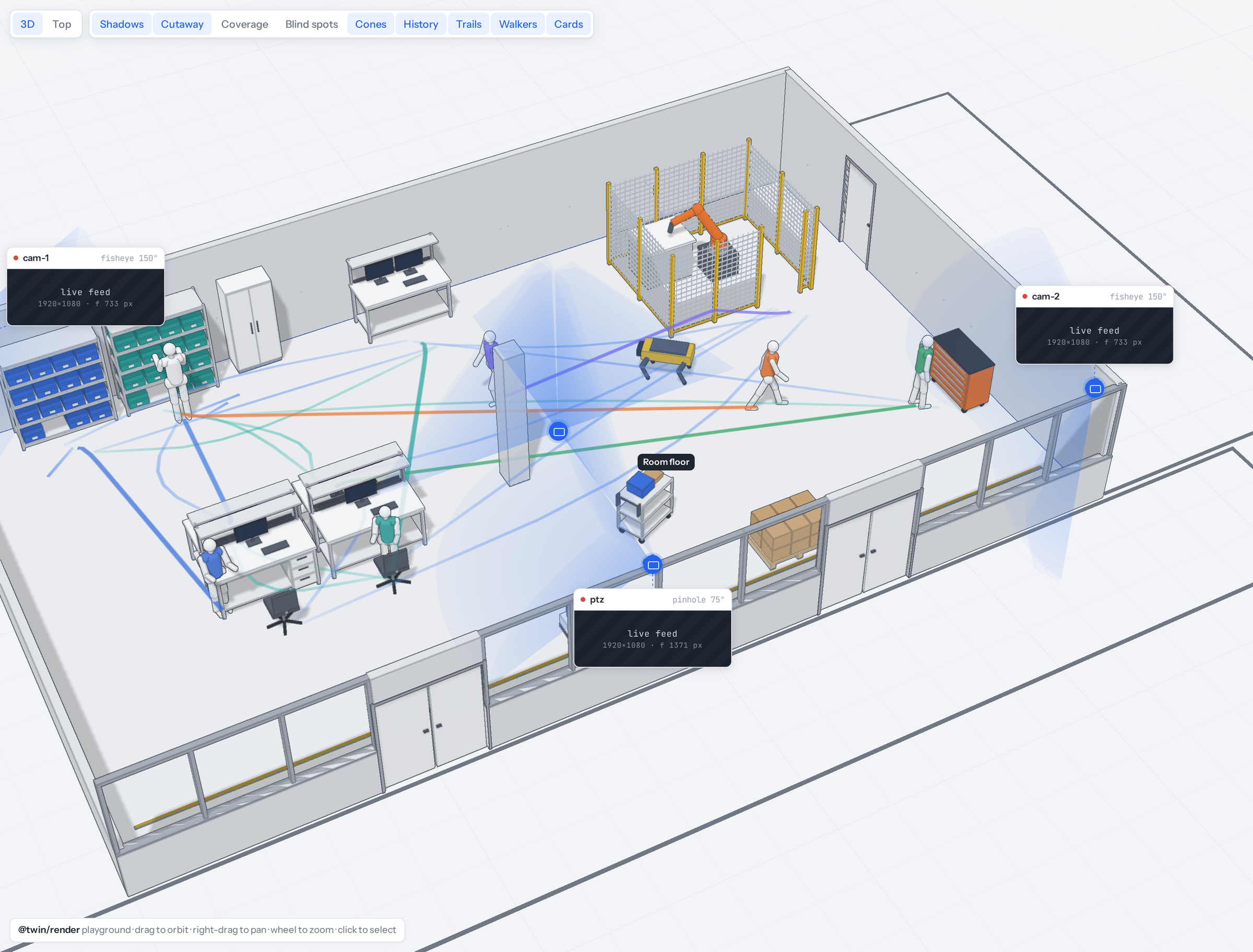
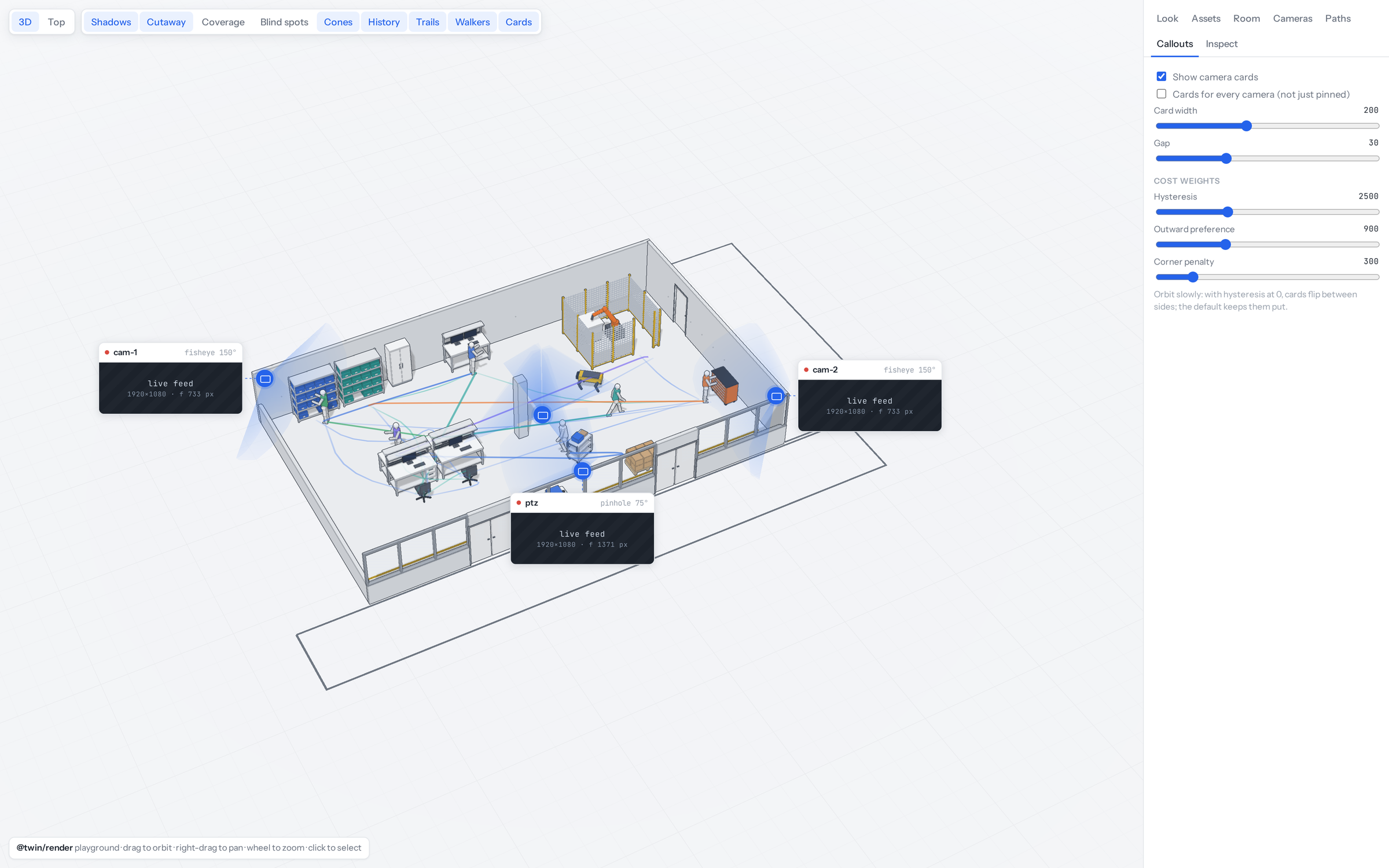
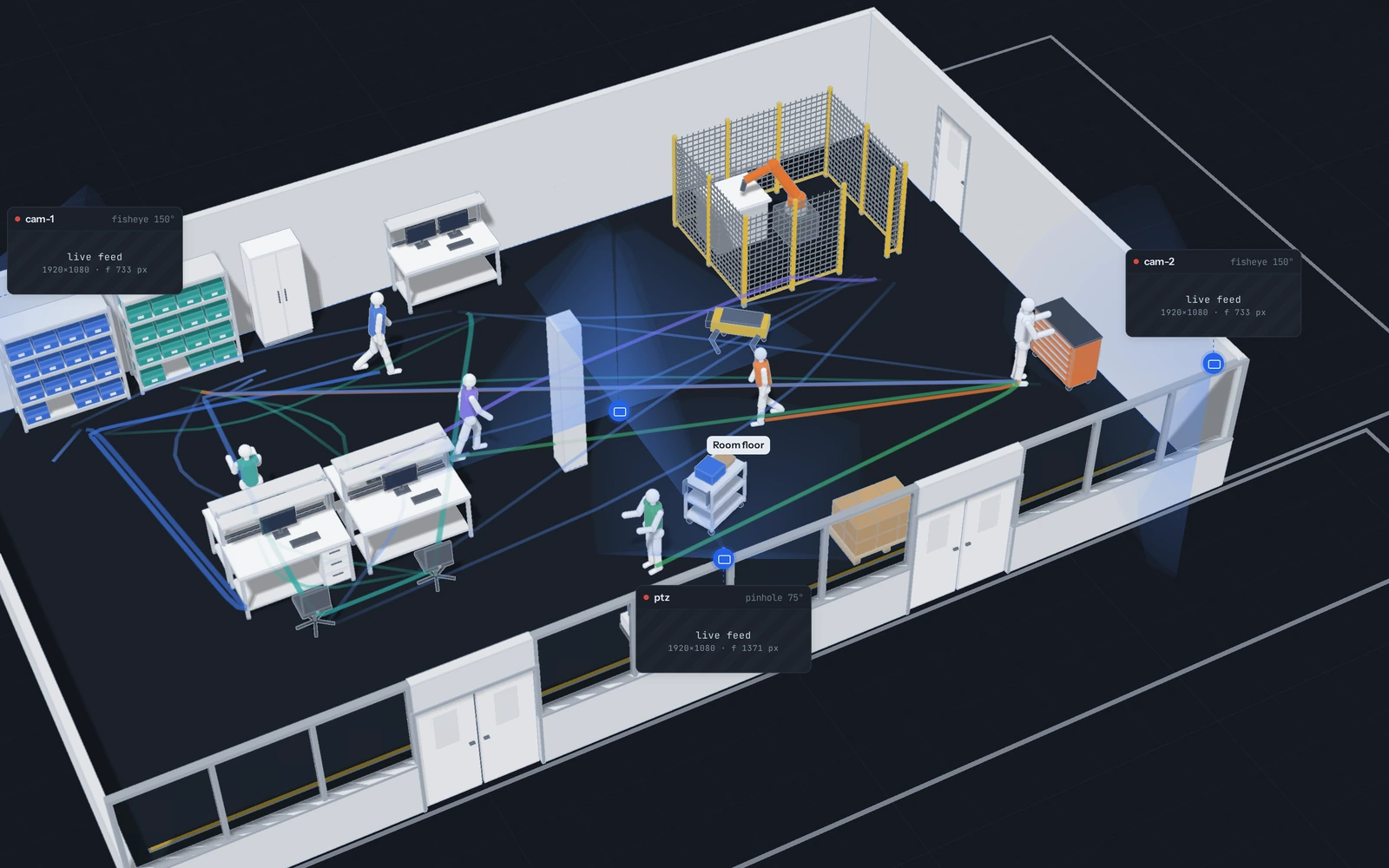
Subscribe →The ink renderer behind the factory twins, with nothing else around it. There is no script here: you click a room together from the asset library, move cameras, draw paths and turn the renderer's knobs, and see each change at once. Lab 104 · Factory Twin writes the same kind of scene in code and simulates it; this playground is for seeing what the drawing itself can do.
- Two looks and their knobs: Technical and Blueprint, with sliders for ambient light, cool shift, shadow strength, line weight, line opacity, interior lines and creases, and the paper, floor, ink and coverage colours.
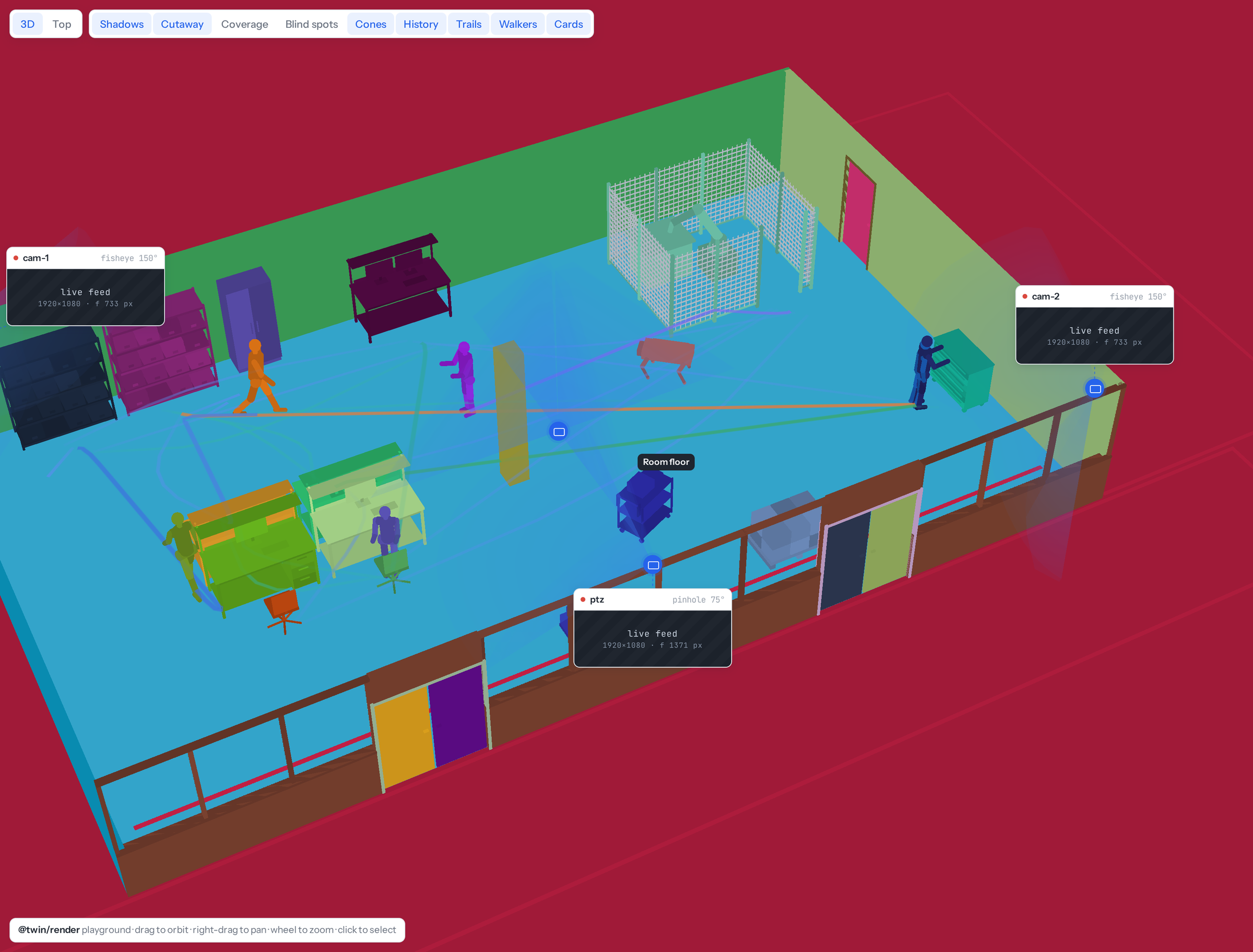
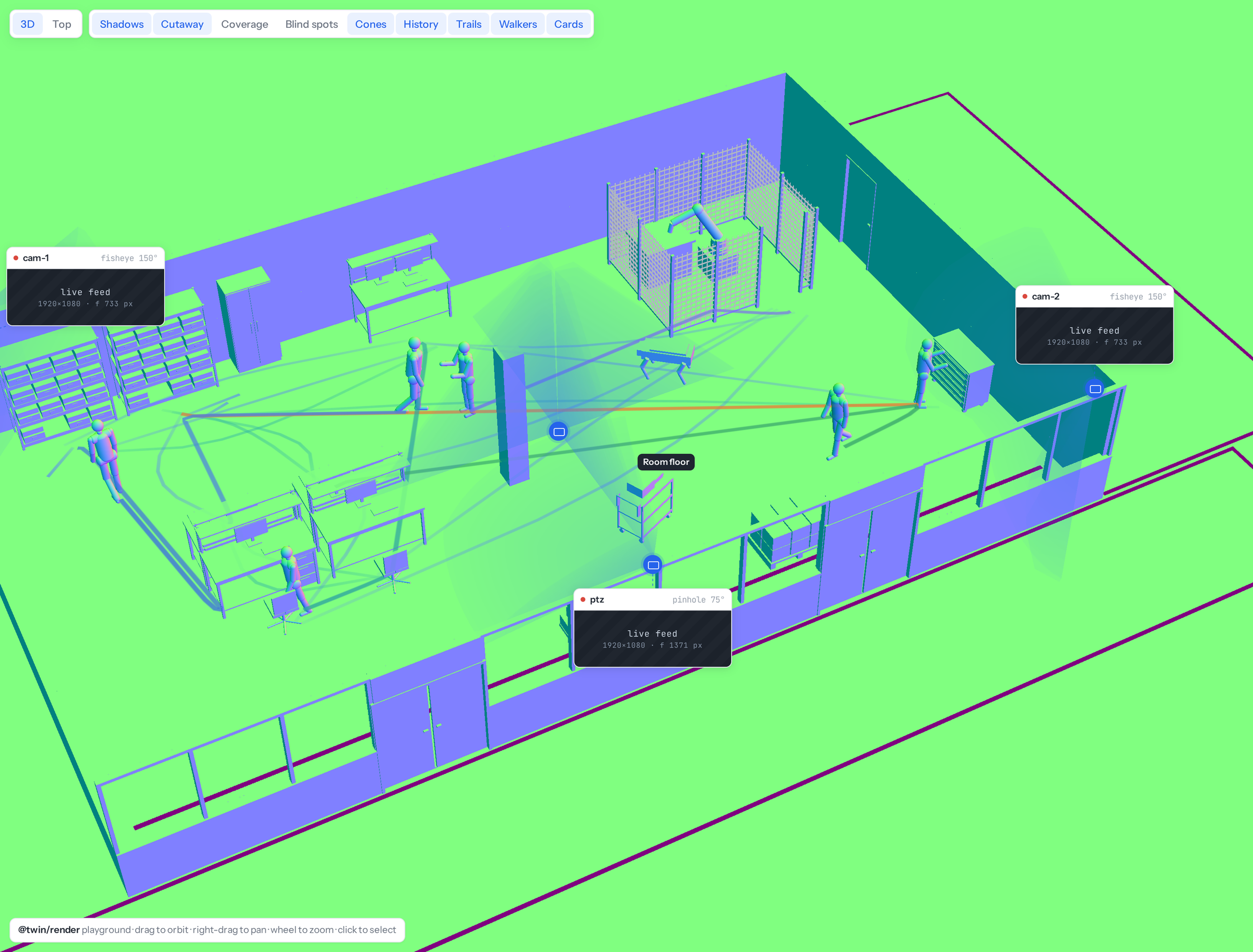
- Buffers: show the final image, or the colour, ids, normals, depth or lines buffer it is made from.
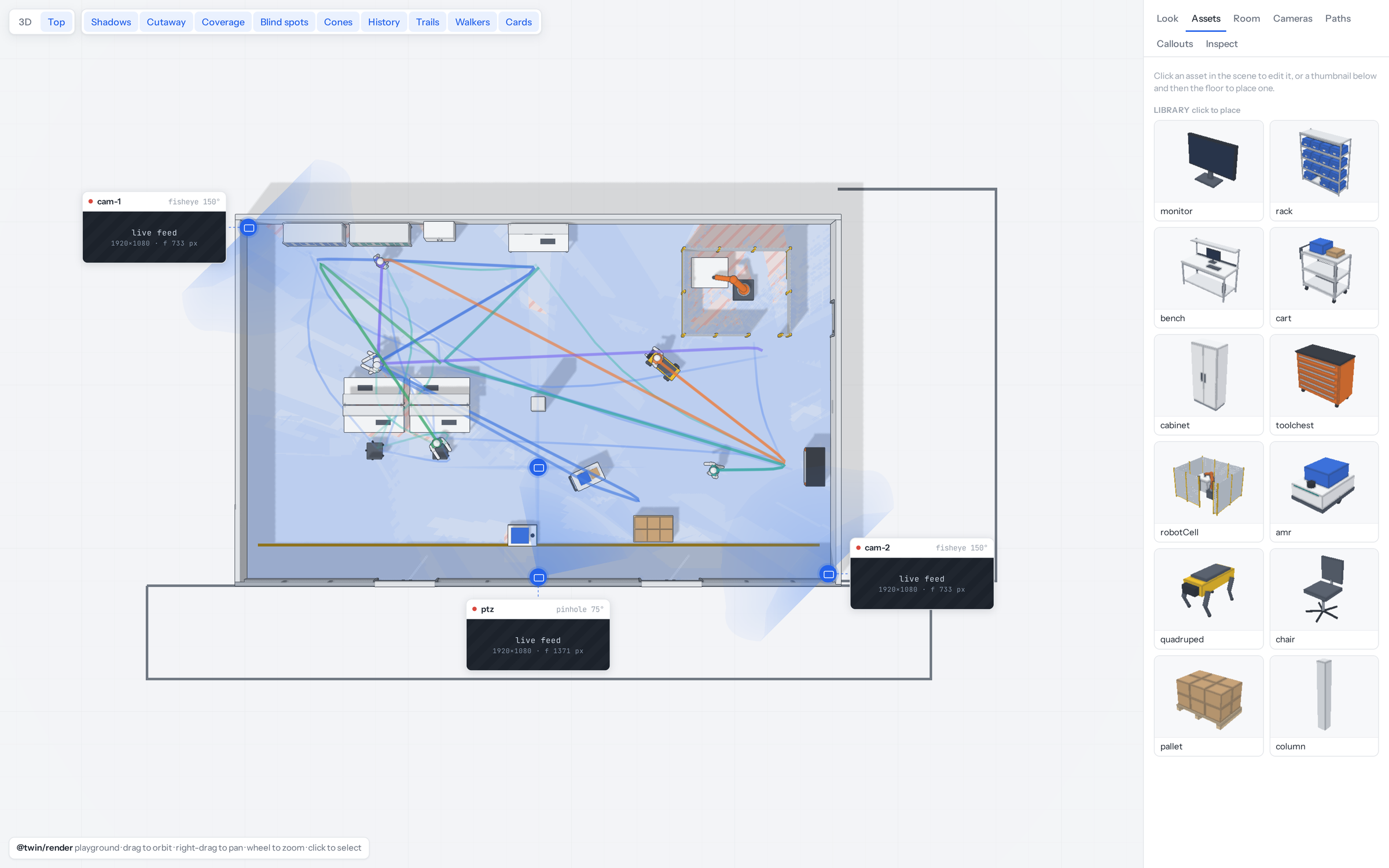
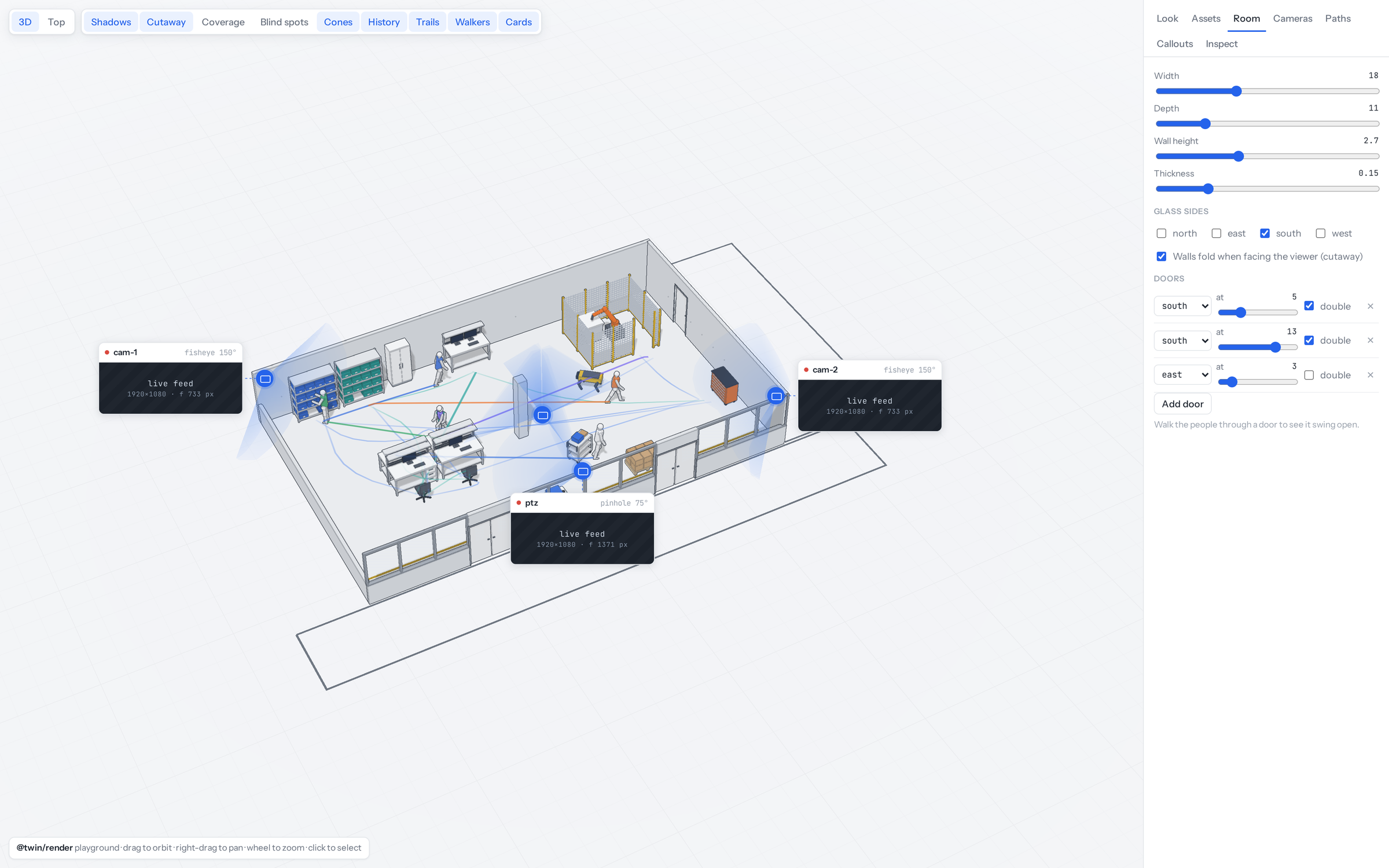
- Room and assets: set the room's size, wall height, glass sides and doors, and place monitors, racks, benches, carts, robot cells, AMRs, quadrupeds and more from the library. Click anything to edit it.
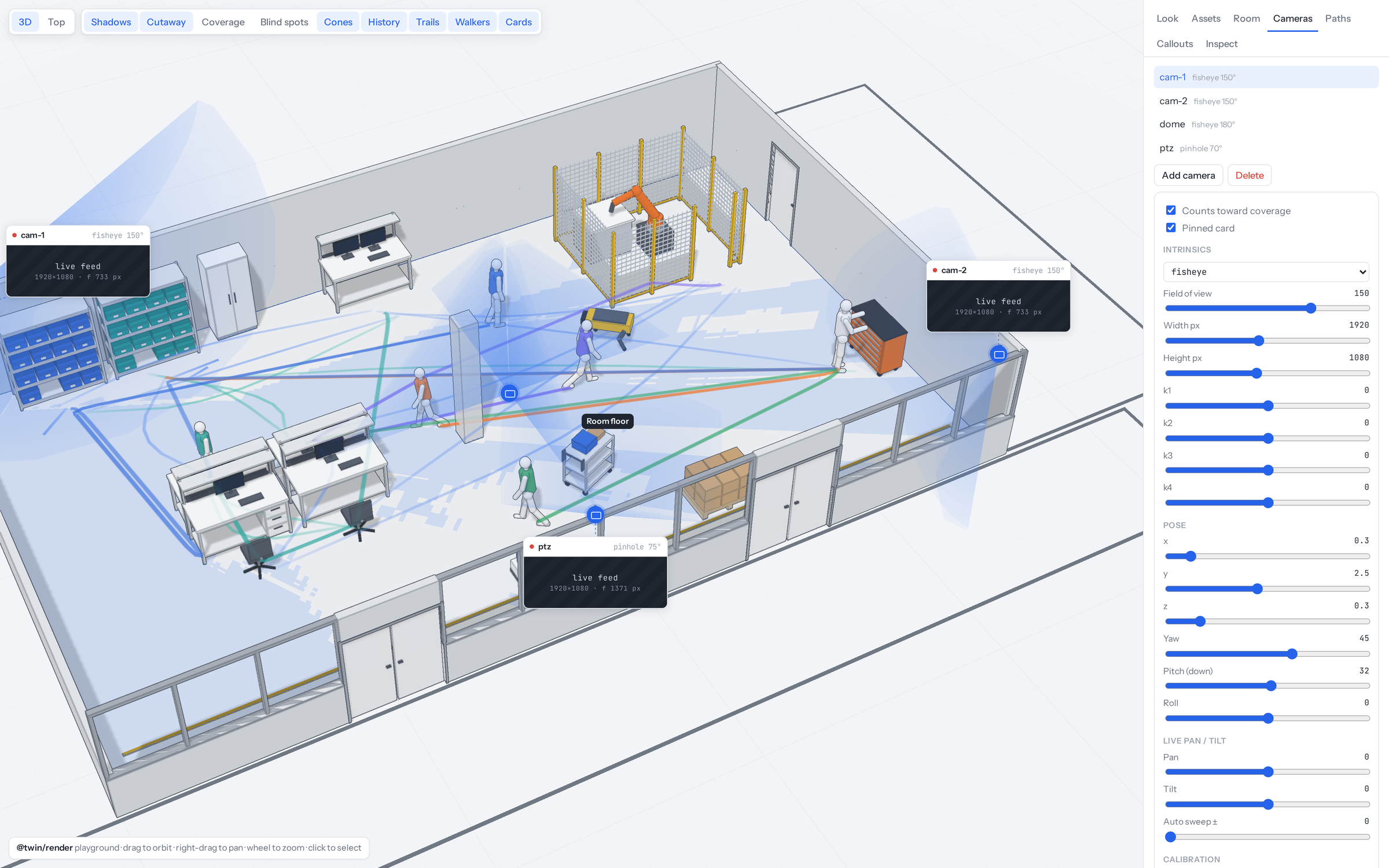
- Cameras and coverage: fisheye and pinhole cameras with editable lens and pose, view cones, coverage on the floor and blind spots, and walls that fold when they face you.
- Paths and callouts: draw tracks or generate random ones, smooth them, add walkers with live trails, and tune the cost weights that keep camera cards from flipping sides as you orbit.
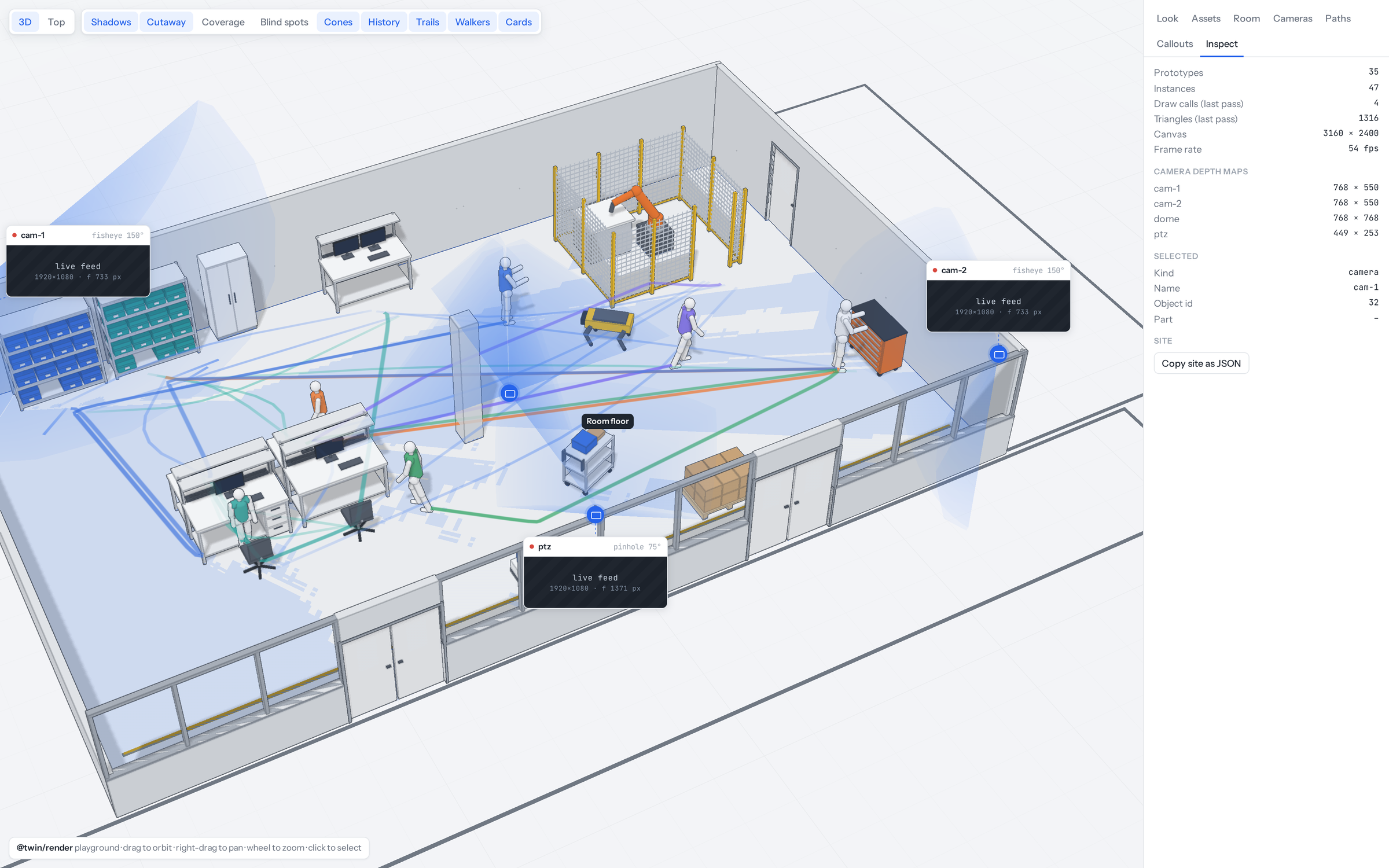
- Inspect: prototypes, instances, draw calls, triangles, frame rate and each camera's depth map, and a button to copy the site as JSON.
Built with three.js.